Reach SVT in 4–8 weeks: My Health Record integration in Australia

For server-side clinical systems handling upload and retrieve functions, implement the B2B gateway. For consumer or mobile apps, favour the FHIR® gateway. Either way, your first action is the same: register on the Implementer Hub and request NASH test certificates from Services Australia’s Developer Liaison team to begin My Health Record integration.
TL;DR:
- Using the B2B gateway is essential for large clinical systems requiring high payload volume, such as hospitals and pathology labs.
- FHIR® gateway is preferred for mobile apps and consumer tools due to its simpler RESTful interface and quicker development cycle.
- Developers must secure NASH certificates, map healthcare identifiers, and separate test from production credentials before integration.
- Typical timelines from registration to basic working prototype range from four to eight weeks, with additional time for security and conformance testing.
- Automating certificate renewals and adhering to security best practices reduce operational risks and facilitate faster re-testing and deployment.
Table of Contents
- Overview of connection methods: B2B gateway, CIS to NPP and FHIR gateway
- Pre-requisites: NASH PKI, HPI-O, HPI-I and test versus production credentials
- Developer registration and SVT workflow: forms, timelines and a practical checklist
- Conformance, NOC and the Conformance Vendor Declaration: what to test and what to keep
- Technical comparison: B2B web services versus the FHIR gateway
- Security and operational best practices: certificate automation and testing discipline
- Developer resources and starter checklist to get building quickly
- Perspective from the implementer: timing, pitfalls and what actually slows teams down
- Presenting Meddle as a way to move faster on integration
- FAQ
- Sources
Overview of connection methods: B2B gateway, CIS to NPP and FHIR gateway
Three connection paths lead into My Health Record, and each suits a different kind of system. Choosing the right one early saves months of rework later.
The B2B gateway is the workhorse for clinical information systems (CIS) that need to upload documents, retrieve patient views and register events at scale. It’s built for server-to-server traffic, using SOAP-based web services, and suits hospital systems, pathology platforms and practice management software that process high volumes of structured clinical data.
CIS to National Provider Portal (NPP) connections work differently again: they’re typically used where a practice wants portal-style access without building a full gateway integration, trading flexibility for a lighter setup.
The FHIR® gateway is the newer, lighter-weight option, built around REST interaction models that suit mobile apps and consumer-facing tools needing to view or retrieve specific document types without the overhead of a full B2B build.
When choosing between them, weigh up:
- Payload volume: high-throughput upload and retrieve workloads suit the B2B gateway.
- Development resourcing: FHIR® skills are more common among mobile and web teams, which shortens ramp-up time.
- Infrastructure: B2B gateway connections typically run behind enterprise-grade hosting, while FHIR® gateway apps can run leaner.
- User experience: consumer apps benefit from FHIR®'s simpler authorisation flows.
Most clinical software vendors building for hospitals or large practices start with the B2B gateway. Teams building patient-facing or allied health tools generally get to a working prototype faster on FHIR®.
Pre-requisites: NASH PKI, HPI-O, HPI-I and test versus production credentials
Before writing a line of integration code, you need four things sorted: NASH certificates, Healthcare Identifiers, HI Service access, and a clear separation between your test and production environments.
NASH PKI certificates authenticate your system to My Health Record and the HI Service. The Implementer Hub’s developer guide confirms that NASH SHA-2 certificates are mandatory, having replaced the older SHA-1 standard, and that organisation certificates expire after two years. Build renewal into your release calendar now, not when a certificate lapses mid-production.
Healthcare Provider Identifiers work in a layered structure. An HPI-O identifies the organisation; an HPI-I identifies the individual practitioner. Most connection flows need both mapped correctly, and HI Service access is required wherever a clinician’s identity needs verifying against a patient record, with organisations required to link HPI-I to HPI-O before access works.
A critical distinction: test certificates issued for the Software Vendor Test (SVT) environment are entirely separate from production certificates, and the B2B gateway registration guidance is explicit that production certificates cannot be used in SVT. Mixing them up is one of the most common early mistakes.
Work through this checklist before coding:
- Confirm whether your system needs TLS certificates, signing certificates, or both.
- Set up a certificate serial index in your service configuration so renewals don’t break silently.
- Create dedicated service accounts for test and production environments, never shared.
- Map your organisation’s HPI-O and each practitioner’s HPI-I before building any verification calls.
Pro Tip: Build your certificate serial tracking into configuration from day one. Retrofitting it after a renewal failure is far more painful than setting it up first.
Developer registration and SVT workflow: forms, timelines and a practical checklist
Registration starts with the Software Vendor Welcome Pack and the Vendor Product Details form, both lodged with the Developer Liaison team. These establish your organisation as a recognised software vendor and trigger the process for test credentials.
Once lodged, request your NASH test certificates and test HPI identifiers in parallel. The Developer Liaison team typically takes around two weeks to process these requests, so submit them early rather than waiting on other setup tasks first.
With certificates in hand, install the test CA certificates into your SVT environment and run your first smoke tests: a basic connection handshake, a simple document retrieve, and a verification call against test HPI identifiers. These early calls tell you quickly whether your certificate chain and endpoint configuration are correct before you invest in building out full clinical workflows.
A practical SVT readiness checklist:
- Welcome Pack and Vendor Product Details form submitted and acknowledged.
- Test NASH certificates and test HPI identifiers received and installed.
- Test CA certificates loaded into your SVT client or gateway.
- A successful basic connection handshake logged against the SVT endpoint.
- A test document upload and retrieve cycle completed without manual intervention.
- HI Service verification calls returning expected results against test identifiers.
Running NASH test certificate requests and HI Service developer registration at the same time, rather than sequentially, is the single biggest time saver available at this stage, since the two processes run on independent timelines and can overlap comfortably.
Conformance, NOC and the Conformance Vendor Declaration: what to test and what to keep

Before your system touches production data, it must pass Notice of Connection (NOC) testing. This is where a Gateway Operator observes your system performing the transactions it will use in the field, confirming it behaves correctly under real-world conditions rather than just in isolated unit tests.
The NOC process, detailed in the Software Vendor Guide to the Connection Process, requires you to submit a Conformance Vendor Declaration alongside your test evidence. Typical evidence includes:
- Logs from successful SVT transactions covering each interaction type your product supports.
- Mapped HPI-O and HPI-I identifiers used throughout testing.
- Records showing adherence to the LSS/TSS (Logical and Technical Service Specifications) for each service called.
- Results from Clinical Package Validator checks on any uploaded document types.
Security conformance sits alongside functional conformance. The My Health Record Connecting Systems Security Conformance Profile sets mandatory and recommended controls drawing on the Australian Cyber Security Centre’s Information Security Manual, covering areas like transport encryption, key management and logging.
Statistic callout: NASH organisation certificates expire every two years, meaning conformance evidence gathered during NOC testing can become outdated well before your next major release cycle, so retain it with clear version and date stamps.
Schedule a mini-NOC with a conformance partner ahead of the formal observed session. Surfacing gaps early, whether functional or security-related, avoids a failed observation and a second scheduling cycle that can push your go-live back by weeks.
Technical comparison: B2B web services versus the FHIR gateway
The two platforms differ sharply in protocol, authentication and development effort, and the choice shapes your whole build.
B2B web services use ITI-based transactions such as ITI-18 (document query), ITI-41 (document submission) and ITI-43 (document retrieve), following the IHE XDS specification. Authentication relies on NASH certificates presented at the transport layer, with mutual TLS doing much of the authorisation work.
The FHIR® gateway, by contrast, uses RESTful interaction models (read, search, create) over HTTPS, with authorisation handled through tokens rather than certificate-based mutual TLS alone, which is detailed in the FHIR gateway security requirements.
Key contrasts to weigh:
- Protocol complexity: ITI-based services require XDS metadata handling; FHIR® resources are generally simpler to parse and map.
- Authentication model: B2B relies on certificate-based mutual TLS; FHIR® combines certificates with token-based authorisation for finer-grained access control.
- Document types first: shared health summaries and discharge summaries are practical early targets on either platform, though FHIR® implementations often start with simpler view-only resources.
- Developer effort: teams with strong healthcare integration (HL7, IHE) experience often move faster on B2B; teams with modern REST API experience typically ramp up faster on FHIR®.
Neither route is inherently harder to pass through conformance testing. The effort differential shows up earlier, in how long it takes your team to get comfortable with the underlying data model.
Security and operational best practices: certificate automation and testing discipline
Production stability on My Health Record depends less on clever architecture and more on disciplined operations. A handful of practices separate systems that run smoothly from those that suffer avoidable outages.
Build NASH expiry monitoring into your admin interface, not just your calendar. The NASH SHA-2 developer guide recommends automated expiry warnings well ahead of the two-year renewal date, using tools like the NASH Organisation Certificate Tracker to avoid a lapsed certificate taking down a live service.
Pro Tip: Set your automated expiry warning to trigger two months before the certificate lapses, giving enough runway for the renewal application and testing cycle.
A short operational checklist worth adopting:
- Automate NASH expiry alerts in your admin UI, triggered two months ahead of expiry.
- Adopt ISM-derived controls: TLS 1.3 where supported, contemporary cryptographic algorithms and tight key protection for signing material.
- Schedule regular penetration testing and vulnerability assessments, keeping reports on file as conformance evidence.
- Document your backup, document supersede and retention processes clearly, since these get scrutinised during security conformance review.
These steps also pay off beyond compliance: a practice that follows solid patient record security practices and keeps clean compliance documentation tends to move through NOC retesting far faster when standards update. Partners like 1Putt Health focus specifically on reducing operational risk in healthcare automation, which is a useful lens when designing your certificate renewal and monitoring workflow.
Developer resources and starter checklist to get building quickly
A handful of resources will carry you through most of the build. Bookmark the Implementer Hub’s LSS and TSS documentation, the FHIR gateway security guidance and the Software Vendor Welcome Pack referenced in the connection process guide.
For validation, the Clinical Package Validator checks document conformance before you submit for NOC testing, catching structural issues early rather than during a failed observed session.
A practical starting sequence:
- Register as a software vendor and submit your Vendor Product Details form.
- Request SVT certificates and test HPI identifiers.
- Implement HI Service verification calls first, since most other workflows depend on them.
- Build out document views (shared health summaries are a common first target).
- Run your mini-NOC, then schedule the formal NOC observation.
Teams building FHIR® apps may find a structured FHIR integration approach useful for sequencing this work against a CI pipeline.
Perspective from the implementer: timing, pitfalls and what actually slows teams down
Most integration delays trace back to the same handful of mistakes. Teams try to reuse production certificates in SVT, assuming they’re interchangeable, and lose days to authentication failures that have nothing to do with their code. Others skip proper HPI mapping early, then discover mid-build that their verification calls fail because the organisation and practitioner identifiers were never linked correctly.
Timeline-wise, expect roughly four to eight weeks from initial registration to a working SVT implementation if your team is properly staffed and your test environment is ready, based on how the Developer Liaison and HI Service registration processes run in parallel. NOC scheduling and security conformance review add further weeks beyond that, depending on how much rework your mini-NOC surfaces.
Platforms built with CI-gated AU Core FHIR integration from the outset tend to hit these milestones with fewer surprises, because conformance checks are baked into the pipeline rather than bolted on before a deadline.
— Taylor
Presenting Meddle as a way to move faster on integration
Clinics and vendors tackling My Health Record integration often hit the same wall: the technical requirements are clear, but the staffing and timeline risk are not. Some integration platforms build CI-gated AU Core FHIR integration into their systems to help clinics avoid handling the full certificate, conformance and NOC workload alone.
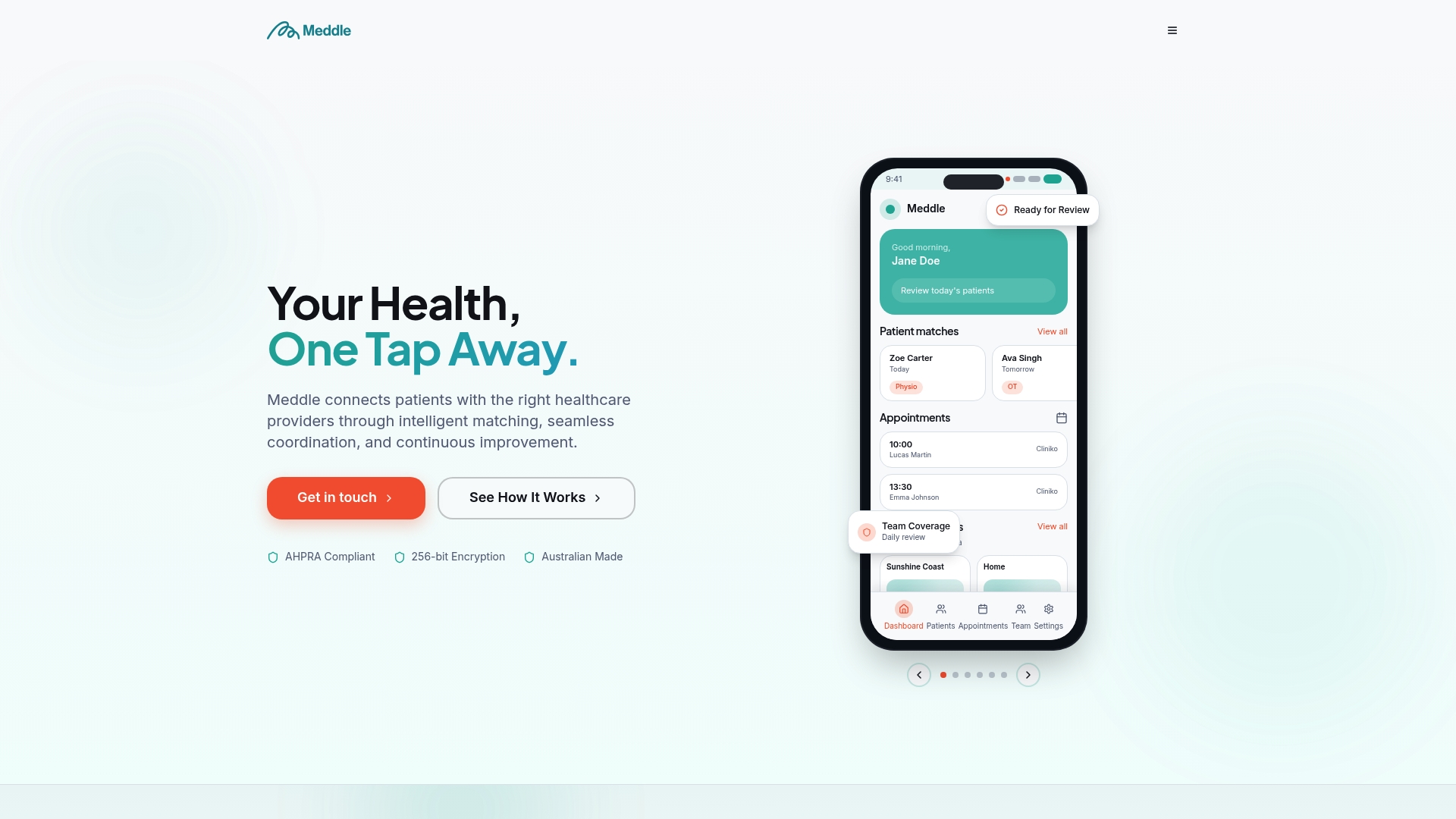
For clinics without an in-house development team, this typically means:
- Using Meddle as an integration-ready platform rather than building a B2B or FHIR® gateway from scratch.
- Leaning on Meddle’s developer onboarding support when connecting existing practice systems.
- Reducing the certificate renewal and conformance evidence burden that falls on small IT teams.
The core platforms often centre on AI-powered patient to practitioner matching, alongside referral automation and secure digital health records, providing clinics a practical entry point even before deeper My Health Record integration work begins. Teams wanting to see how this fits their practice can review how Meddle works or check pricing for Simple Rollout, SMS Notifications and CRM Integration plans.
FAQ
How can I access my My Health Record in Australia?
Healthcare professionals access a patient’s My Health Record through clinical software connected via the B2B or FHIR® gateway, or through the National Provider Portal. Access requires the clinician’s HPI-I to be linked to their organisation’s HPI-O, as confirmed by Services Australia’s access guidance.
What are the disadvantages of using My Health Record?
Integration complexity is the main technical disadvantage, since connecting a clinical system requires NASH certificates, HI Service mapping and formal NOC testing before production access is granted. Ongoing certificate renewal and ongoing security conformance obligations also add administrative overhead for vendors and IT teams.
Is MyMedicare the same as My Health Record?
No, they’re separate systems with different purposes. MyMedicare is a voluntary patient registration model linking patients to a regular general practice, while My Health Record is the national digital health record system that stores clinical documents and summaries.
When was My Health Record introduced in Australia?
My Health Record began as a national digital health record system allowing patients and authorised clinicians to view shared clinical information. For developers, the more relevant dates are the current certificate and conformance requirements, since NASH certificates, security profiles and gateway specifications continue to be updated and are the versions you need to build against today.