Booking webhooks for healthcare: a clinic setup guide

A booking webhook is an automatic message your booking system sends to another system the moment something happens, such as a new booking, a change or a cancellation. A booking widget is the form patients see on your website. Most clinics need both: the widget captures the request, and webhooks carry the result to your intake, CRM, practice software and reminders without anyone retyping it. This guide explains how they fit together, which events matter, how to test them and what Australian clinics should check before connecting health information to anything.
TL;DR
-
A widget is the patient-facing booking form. A webhook is the behind-the-scenes notification that tells your other systems what the widget (or your diary) just did.
-
Start with three events: booking created, booking changed, booking cancelled. Add referral received and no-show once those are stable.
-
Plan for duplicates and retries from day one. Your receiving end should handle the same event arriving twice without double-booking or double-messaging.
-
Treat every webhook payload as health information. Send the minimum, use encrypted connections and keep a named owner for the integration.
-
Test with a pilot before going live, and review delivery failures weekly for the first month.
Table of Contents
Booking webhooks and booking widgets: what each does
The two terms get mixed up because they often come in the same product. They solve different problems.
An embedded widget is a script-based booking form that sits inside a page on your site. An API or webhook integration connects the booking engine to other systems. One technical perspective is that widgets mainly solve the patient-facing website experience, while APIs and webhooks handle automated data exchange with CRMs, invoicing tools and internal workflows.
A useful way to picture a webhook: EasyPractice describes it as a reverse API. Instead of your system asking the scheduler “anything new?” every few minutes, the scheduler sends the data to a URL you nominate when a configured event occurs. Its documented triggers include booking created, booking changed and booking deleted.
For a clinic, the practical difference looks like this:
| Booking widget | Booking webhook | |
|---|---|---|
| Who sees it | Patients, referrers | Your systems and your team |
| Where it lives | A page on your website | A receiving URL on your side |
| What it does | Collects the request and shows available times | Notifies other tools that something happened |
| Typical owner | Practice manager, whoever manages the website | Whoever manages your software, or your vendor |
| Failure looks like | Patients cannot book | Bookings exist in one place but not another |
The second failure is the quiet one. A broken widget gets noticed within hours because patients ring. A broken webhook can leave your reception team working from an out-of-date list for days.
Setting up a widget and webhooks in six steps
The order matters. Teams that start with the technical connection often discover later that they never agreed what should happen to a booking once it exists.
-
Map the journey on paper. Write down what happens from the moment a patient (or a GP) asks for an appointment to the moment the clinician has the file open. Mark each hand-off. Every hand-off is a candidate for a webhook.
-
Decide which services are bookable online. In a multidisciplinary practice, physiotherapy, psychology, speech pathology and dietetics rarely share the same rules. Some need a referral, some need a longer first session, some should go to triage first. Our guide on restricting bookings by referral covers how to apply those rules without turning patients away.
-
Place the widget. Put it where patients already look: the service page, the practitioner profile and the contact page. The layout choices that decide whether people finish are covered in booking page design that gets patients seen.
-
Register your receiving URL. Your vendor will ask for an HTTPS address and often a shared secret or signing key. Keep the key in your password manager, not in an email.
-
Choose the events. Subscribe only to events someone acts on. Unused subscriptions create noise and extra personal information in transit.
-
Run a pilot. Use a small group of practitioners and a short list of services first, then widen.
If you are comparing tools, it helps to be clear about the category. Our comparison of booking software and practice management explains where scheduling ends and clinical records begin, which tells you which system should be the source of truth for each event.
Which appointment events to track
More events do not make a better integration. Pick the ones that trigger a human or automated action.
The core three
-
Booking created. Triggers a confirmation, adds the patient to the right clinician’s day and, for new patients, starts intake paperwork.
-
Booking changed. Covers rescheduling and a change of practitioner or appointment type. This is where most data mismatches start, because the old slot must be released as the new one is taken.
-
Booking cancelled. Frees the slot, can offer it to a waitlist and updates any reminder queue so nobody gets a reminder for an appointment that no longer exists.
Worth adding once the core is stable
-
Referral received. For GP, email and web-form referrals, this event starts triage rather than booking directly.
-
Intake completed. Tells the clinician that history and consent are in before the first session. See pre-appointment questionnaires for what to ask and how to handle the privacy side.
-
No-show or late cancellation. Feeds your follow-up process and, if you use them, your cancellation policy.
-
Telehealth link created. Useful when video sessions are part of the service mix.
What to leave out
Do not subscribe to events that include clinical notes, symptoms or diagnosis text just because the vendor offers them. A booking notification usually needs a patient reference, a time, a practitioner and a service type. It rarely needs more.

Using the widget to support intake and referrals
A widget on its own is a diary window. Connected to intake, it becomes the front door for the clinic.
Three patterns work well for allied health:
-
Direct booking for simple services. A returning patient picks a practitioner and a time. A webhook confirms and updates the diary.
-
Request-then-match for complex needs. The patient describes what they need, and the clinic assigns a suitable practitioner based on specialty, location and appointment type. This suits NDIS participants, paediatric work and multidisciplinary episodes of care, where the “right” practitioner is not obvious from a list.
-
Referral-gated booking. Online booking opens only when a valid referral is on file, so reception does not chase paperwork after the fact.
Our clinical workflow guide to instant appointment booking walks through how these patterns change who does what at the front desk.
Testing webhook delivery before patients depend on it
This is the part most teams skip, and the part that determines whether the integration is trustworthy.
Expect retries and duplicates
Webhook systems generally resend an event when your receiving end does not answer quickly or answers with an error. That is a feature, since it protects you from lost messages, but it means the same event can arrive more than once. As one engineering guide on webhook idempotency puts it, timeouts are especially risky: your handler may process an event successfully yet respond too late, and the retry then lands on top.
For a clinic, an unhandled duplicate means two confirmation SMS messages, two entries in a waitlist or a double-counted appointment in your reporting. Ask your vendor or developer to confirm:
-
Each event carries a unique ID.
-
Your receiver stores processed IDs and ignores repeats.
-
The record of processed IDs is kept at least as long as the vendor’s retry window, so late retries are still recognised.
-
The receiver replies quickly and does the heavier work afterwards.
A test script for your pilot
Run each of these in a test environment or with dummy patients, and write down what you see:
-
Create a booking and confirm it appears in every connected system within a minute or two.
-
Reschedule it twice in a row. Check the original slot is released both times.
-
Cancel it. Check reminders stop.
-
Book two patients into the same slot at the same moment, if your system allows it, and see which one wins.
-
Switch your receiving URL off for ten minutes, make a booking, switch it back on and watch whether the missed event is retried.
-
Send the same event twice on purpose and confirm nothing doubles.
-
Book with a name containing an apostrophe or accent, and a long email address, to catch formatting errors.
Troubleshooting common faults
-
Events not arriving. Check the URL is correct, uses HTTPS and is reachable from outside your network. Firewalls are a frequent cause.
-
Events arriving but nothing happens. The signature or secret may not match, so your receiver is rejecting them.
-
Events arriving out of order. A cancellation can land before the booking it cancels. Use the event timestamp or version, not arrival order.
-
Sudden silence. The vendor may have disabled your endpoint after repeated failures. Re-enable it and check the delivery log for the cause.
Privacy and security checks for Australian clinics
A booking notification is personal information, and in a health setting it is usually health information, which the Privacy Act treats as sensitive. A webhook sends that information from one system to another, so it falls under the same duty of care as your records.
APP 11 requires organisations to take reasonable steps to protect personal information from misuse, interference, loss and unauthorised access or disclosure. The OAIC’s action against a pathology provider shows how seriously that is taken: it alleges failure to take reasonable steps to protect personal information under APP 11.1(b). That is an allegation in proceedings, not a finding, but it shows where regulators look.
A short checklist for any booking integration:
-
Minimise the payload. Send a patient reference and appointment details, not clinical content. The OAIC notes that effective de-identification may mean removing or altering identifiers and other details that could identify someone alone or in combination, so a first name plus a rare service plus a suburb can still point to a person.
-
Use encrypted transport and verify signatures. Accept events only over HTTPS and reject any that fail the vendor’s signature check.
-
Limit who can see the delivery log. Logs often contain the payloads. Restrict access and set a retention period.
-
Know where data is hosted. Ask each vendor where patient data is stored and which subprocessors touch it. Meddle hosts patient data in Sydney.
-
Write down the owner. Someone should be accountable for the integration, its keys and its review dates.
-
Keep patients informed. Your collection notice and booking page should say what is collected and who receives it. The same care applies to any online booking, such as booking dental appointments online, where patients are handing over contact and health details through a form.
For a fuller walk-through, see our guides on securing patient records and meeting APP 11 and the Australian Privacy Principles in healthcare. When assessing a vendor, a security questionnaire for healthcare software gives you the questions to ask.
What to monitor after launch
A live integration needs light, regular attention. Build these into the practice manager’s routine:
-
Weekly for the first month: review failed or retried deliveries, compare the count of bookings in the widget with the count in your diary, and spot-check five patients end to end.
-
Monthly: check the share of bookings that needed manual correction, look at cancellations and no-shows by service, and confirm reminders match the diary.
-
Quarterly: review who has access to keys and logs, remove departed staff, rotate secrets and re-read your subscribed events to see whether each is still used.
-
When anything changes: a new practitioner, a new service, a software upgrade or a new receiving URL all warrant a short re-test using the script above.
Keep a one-page runbook: where the endpoint lives, who to call, what the vendor’s status page is and how reception should work if the integration is down (usually a paper or shared-sheet fallback and a catch-up check afterwards).
Our perspective
Most clinics we speak to do not have a webhook problem. They have a hand-off problem. A referral arrives by email, someone copies it into a spreadsheet, someone else rings the patient, and by the time a practitioner is allocated the patient has booked elsewhere.
We built Meddle around that gap. Intake from GP referrals, email and web forms becomes structured, triaged and matched to a practitioner on specialty, travel radius and appointment type. The aim is that fewer leads are lost and reception spends less time on admin. Directories list who is out there. We connect the person to the care and carry their story forward.
Our advice is to design the workflow first, then choose the connections. Keep the data you pass between systems small, keep patient data hosted somewhere you can name (ours is hosted in Sydney), and test as if a patient’s trust depends on it, because it does.
Taylor
Where Meddle fits
If your clinic is stitching together a web form, a shared inbox and a diary, Meddle brings intake, matching and booking into one place for allied health. Pricing is A$40 per practitioner per month ex GST, with no minimum spend, and there is a free 30-day pilot so you can test it with a small group before committing. Patients use it for free.
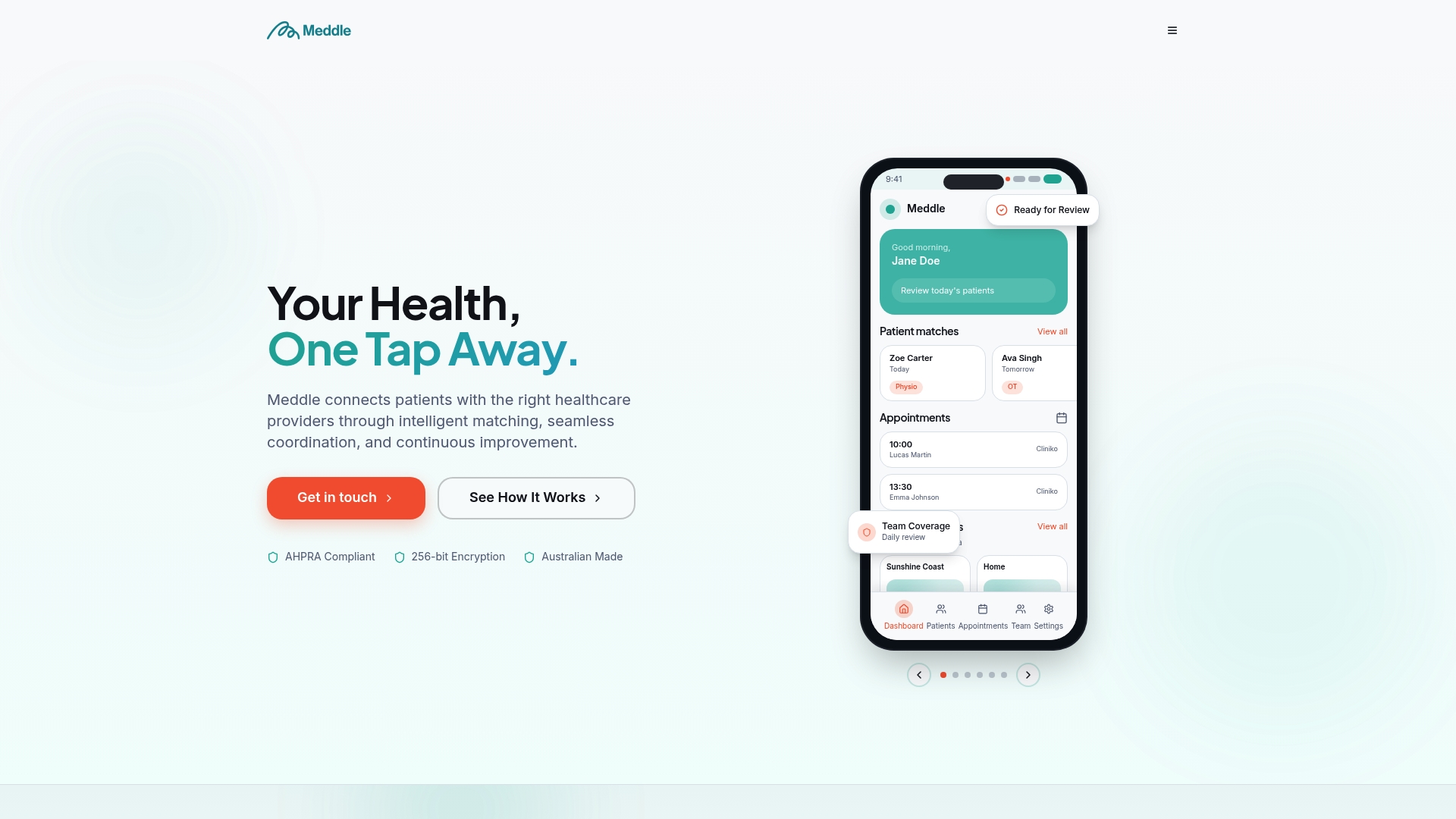
You can see how it works for each discipline on our find care page, or look at how the practice management side supports the day-to-day.
FAQ
Do I need a developer to use booking webhooks?
Not always. Many booking tools offer built-in connections, so you switch them on rather than build them. A custom webhook to your own system does need someone technical to build and maintain the receiving end, including duplicate handling and signature checks.
Can I use a booking widget without webhooks?
Yes. A widget alone lets patients book and writes into the vendor’s diary. Webhooks become useful when you want that booking to reach other tools automatically, such as a CRM, reminders or reporting, so staff do not re-enter details.
Which events should a small clinic start with?
Start with booking created, booking changed and booking cancelled. They cover the moments when your diary, reminders and waitlist can drift out of step. Add referral and intake events once those three run cleanly.
Are booking notifications health information?
Often, yes. A message showing that a named person has an appointment with a particular health service can reveal health information, so treat it with the same care as a record. Send the minimum, use encrypted connections and limit who can see logs.
Next step
If you would like to see intake, matching and booking working together for your clinic, book a 30-minute demo and we will walk through your referral flow with you.
Sources
Recommended
-
Clinic Software Integrations: What to Check Before You Commit
-
Stop Double Bookings: APP 11 Calendar Sync for Australian Clinics
-
Australian clinics: Restrict bookings by referral and meet three APPs
This article is general information for healthcare businesses and isn’t legal, clinical or privacy advice. Check current requirements with the relevant regulator or a qualified adviser.