Prevent Double Bookings in Australian Clinics: Holds, Sync, and Locks

Stop double bookings by combining atomic booking confirmations with real‑time availability sync and one consistent scheduling policy. The three levers that work immediately are a database constraint or transaction that blocks overlapping inserts, two‑way calendar or API sync across every channel, and a single scheduling policy set at the booking page rather than per service.
TL;DR:
- A flow that checks availability before inserting a booking can accept simultaneous requests; PostgreSQL exclusion constraints reject overlapping time ranges and can ignore cancelled bookings.
- Across booking channels, require webhook acknowledgments, use idempotency keys to block duplicate retries, and recheck availability after dropped callbacks or slow responses.
- Apply booking page defaults across services, reserving overrides for genuinely unique appointments; require approval, log manual changes, and review settings before launch.
- When conflicts occur, alert staff immediately, offer the next open slot or an automatic refund or credit, and contact affected patients with priority rebooking.
Table of Contents
- Practical checklist: quick fixes operators can apply today
- Engineering approaches: database and concurrency patterns that prevent race conditions
- Real-time availability: two-way sync, APIs and standards for preventing cross-channel conflicts
- Operational rules and booking-page configuration to reduce internal conflicts
- Detect, alert and recover: monitoring, conflict resolution and customer communication
- How a specialised platform solves these problems in practice
- Author’s perspective: how ops and engineering should collaborate on scheduling integrity
- How Meddle helps reduce double bookings
- FAQ
- Sources
Practical checklist: quick fixes operators can apply today
Most double bookings come from gaps between systems, not bad luck. We recommend starting with changes your team can make this week, before any engineering project begins.
- Turn on two‑way calendar sync across every channel you take bookings through, then test it with a handful of overlapping dummy bookings.
- Set your scheduling policy once, at the booking page level, rather than adjusting time increments or lead times service by service.
- Add short soft holds on high‑demand slots and disable the submit button after the first click to stop duplicate form submissions.
- Rewrite confirmation and error messages so a patient hitting a conflict understands what happened and what to do next.
Pro Tip: Run a weekly audit of your booking calendar for 15 minutes. Overlaps found early are far easier to fix than ones discovered by an arriving patient.
Engineering approaches: database and concurrency patterns that prevent race conditions
A “check‑then‑insert” booking flow, where the system checks a slot is free and then writes the booking, looks safe in testing and fails under real traffic. Two requests can both pass the check in the same instant and both insert, because the check and write aren’t one atomic operation.

The fix sits at the database layer. PostgreSQL exclusion constraints, built with the GiST index type and the btree_gist extension, let you declare that two bookings for the same resource can never have overlapping time ranges, full stop, and the database rejects the second insert outright rather than relying on application logic to catch it. Django’s own documentation shows this pattern using ExclusionConstraint with a TsTzRange field and RangeOperators.OVERLAPS, filtered to ignore cancelled rows, so cancelled bookings don’t block new ones from taking the freed slot (Django documentation).
For teams building or hardening a booking system, a workable roadmap looks like this:
- Immediate: add retries and clear “slot taken” messaging so a rejected booking doesn’t dead-end the user.
- Midterm: add database exclusion constraints or
SELECT ... FOR UPDATErow locks so overlaps are physically impossible to write. - Long term: make booking APIs idempotent and cover the booking flow with end‑to‑end concurrency tests.
Optimistic locking (checking a version number before committing) suits lower‑traffic resources where conflicts are rare; row locks suit high‑demand slots where you’d rather a second request wait briefly than fail outright. Our booking API guidance walks through these patterns for clinic booking systems specifically.
Real-time availability: two-way sync, APIs and standards for preventing cross-channel conflicts
Single‑direction sync, where a calendar pushes updates out but never reads changes back, is a common source of cross‑channel double bookings. A booking made by reception never reaches the online widget, and a patient books the same slot an hour later.
Two‑way sync solves this by keeping every channel reading from and writing to the same source of truth. Building this reliably takes a few specific patterns:
- Use webhooks with acknowledgement flows so a booking system confirms receipt before a slot is considered held.
- Apply idempotency keys to booking requests so a retried network call never creates a duplicate booking.
- Handle partial failures explicitly: a dropped callback or slow response should trigger a recheck, not a silent gap in availability.
In Australian clinical settings, the Provider Appointments API lets booking providers expose contextualised, real‑time appointment availability through the National Health Services Directory, so a booking confirmed in one place is genuinely confirmed everywhere (Healthdirect NHSD integration documentation). Structuring that availability data consistently matters too: the HL7 Australia FHIR AU Core implementation guide defines the schemas and profiles scheduling systems use to exchange appointment data reliably between platforms (HL7 Australia FHIR AU Core). Our calendar sync guide and FHIR integration guide go deeper on applying both in clinic settings.
Pro Tip: Test integrations under latency, not just under ideal conditions. A sync that works perfectly in a demo can still drop callbacks when your clinic’s internet connection slows down during peak hours.
Operational rules and booking-page configuration to reduce internal conflicts
Architecture isn’t the only source of double bookings. Scheduling policy that’s configured differently across services is a quiet, common cause.
Queensland Health’s own booking process guidance recommends setting time increments and lead times once at the booking page level, and avoiding per‑service overrides unless a service is genuinely unique (booking page and scheduling policy guidance). Inconsistent settings between services are an easy, fast fix compared with any architectural change.
- Set one scheduling policy at the booking page level and apply it across all services by default.
- Use soft holds with a short confirmation window so a slot isn’t released the instant a patient hesitates.
- Give staff a clear override workflow for exceptions, with every manual change logged for audit.
- Build change control around scheduling settings: one person approves edits, and changes are reviewed before go‑live.
Our booking page design guide and instant booking workflow guide cover configuration choices that reduce this kind of internal conflict.
Detect, alert and recover: monitoring, conflict resolution and customer communication
Even a well‑built system needs monitoring, because conflicts still slip through during outages, migrations or third‑party sync failures, highlighting the value of virtual medical assistants to support real-time operational oversight.
- Alert on constraint failures and duplicate overlaps as soon as they’re logged, not after a patient complains.
- Automate recovery where you can: retry a failed booking, reassign a double‑booked patient to the next open slot, or trigger a refund or credit automatically.
- Communicate early: tell the affected patient as soon as a conflict is detected, with a clear apology, the cause in plain language, and a priority rebooking option.
After any incident, a short review of what triggered it (a sync delay, a manual override, a configuration change) closes the loop and prevents a repeat.
Pro Tip: Keep a template for conflict‑notification messages ready in advance. Patients forgive a mistake handled quickly far more easily than one handled with a delayed, generic reply.
How a specialised platform solves these problems in practice
We built our platform around the same principles covered above: real‑time availability, structured scheduling policy and automated notifications, so clinics don’t have to assemble these protections themselves.
- Real‑time availability lookup keeps every booking channel reading from one confirmed source.
- Instant appointment booking removes the lag between a patient selecting a slot and that slot being locked in.
- Referral automation and messaging reduce the manual handoffs where conflicts typically creep in.
- Our AI‑powered matching pairs patients with the right practitioner before scheduling even begins, cutting rebooking caused by mismatched referrals.
A clinic running separate online and reception calendars consolidated both into one synced schedule and removed per‑service time overrides, cutting down the manual rechecking staff previously did every morning.
This mirrors the operational fixes we’ve outlined throughout this guide, applied at the platform level rather than left to individual clinic workarounds.
Author’s perspective: how ops and engineering should collaborate on scheduling integrity
Our honest view: most clinics fix double bookings backwards, chasing a technical rebuild before closing the operational gaps that caused most of the problem. Start with a quick audit of your current scheduling policy this week, then schedule the database work for a proper fix.
— Taylor
How Meddle helps reduce double bookings
We handle the scheduling integrity problem so your staff don’t have to juggle calendars, overrides and confirmation messages manually. Real‑time availability, instant booking confirmation and automated notifications are built into how we match patients with practitioners from the first referral.
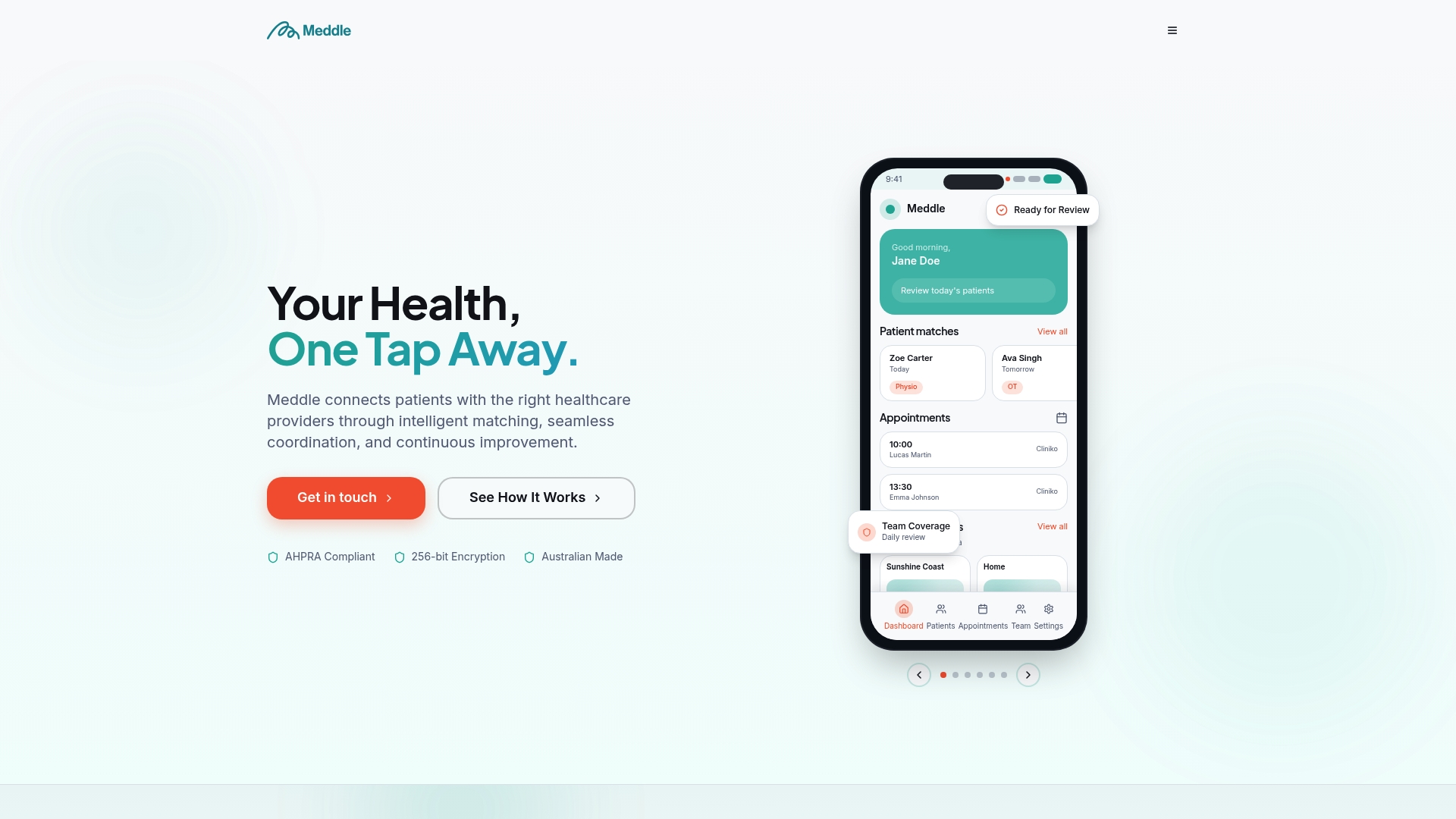
- Real‑time matching and booking remove the manual rechecking that causes most internal conflicts.
- Additional notification and integration features extend confirmation and reminder coverage without extra admin.
- Our find care page shows how matched booking flows work for patients and referrers.
Check pricing and plans to see which setup fits your practice, or get in touch to talk through your current scheduling gaps.
FAQ
How to avoid double bookings?
Combine a single scheduling policy at the booking page level with real‑time, two‑way calendar sync and a database constraint that rejects overlapping bookings outright. Operators should also use soft holds on high‑demand slots and clear confirmation messaging to prevent accidental double submissions.
How to stop double booking yourself?
Keep every appointment type, personal and professional, on one synced calendar rather than several separate ones. Add short buffer times between bookings and avoid scheduling directly from memory or multiple apps without sync between them.
How to prevent double booking in Microsoft Bookings?
Set your booking page time increments, lead times and buffers once at the top level rather than per service, as inconsistent per‑service settings are a common cause of overlaps (booking page and scheduling policy guidance). Ensure staff calendars sync two ways with the booking page so a manually entered appointment blocks online availability immediately.
How to avoid double booking system design?
At the database level, use an exclusion constraint, such as PostgreSQL’s EXCLUDE USING gist with a time range type, so overlapping bookings are rejected automatically rather than being caught after the fact (Django documentation). Pair this with idempotent booking APIs and row locking on high‑demand resources to handle concurrent requests safely.
Sources
- HL7 Australia FHIR AU Core implementation guide
- Healthdirect NHSD integration documentation
- Django documentation — PostgreSQL exclusion constraints