Multi-Practitioner Scheduling for Allied Health Clinics

Multi-practitioner scheduling means running one diary system across several clinicians, disciplines, locations and appointment types, so every booking lands with the right person, in the right room, at the right length. It works when you define the rules once (who does what, where, for how long) and let one shared view enforce them. It fails when each practitioner keeps a private calendar and reception stitches them together by hand.
This guide is for clinic owners and practice managers. It covers how to map your clinic before you touch any software, which booking rules to set, how to stop double-booking, and how to review the whole thing so it keeps working.
TL;DR
- Map practitioners, appointment types, locations and shared rooms first. The schedule is only as good as that map.
- Centralise booking in one shared view, with one referral entry point and standard templates, so reception is not reconciling several calendars.
- Write down appointment lengths, buffers, cancellation and rescheduling rules before you build them into the system.
- Collect only the patient information you need for booking and intake, and limit who can see it.
- Audit clashes, gaps and admin time on a regular cycle, not once at setup.
Table of Contents
- What multi-practitioner scheduling involves
- Map your clinic before you build the schedule
- Set booking rules before you automate them
- Coordinate across practitioners without double-booking
- Fit online booking, intake forms and reminders into the workflow
- Handle patient information carefully in scheduling
- Review your schedule on a regular cycle
- Our perspective
- How Meddle supports multi-practitioner scheduling
- FAQ
- Sources
What multi-practitioner scheduling involves
A solo practitioner manages one calendar. A group practice manages a set of moving parts that interact. According to TalentMed’s overview of allied health practice management in Australia, the work includes building rosters across one or several practitioners (often part-time or contractor), holding utilisation targets, balancing initial consultations against review appointments, managing waitlists and overseeing the client journey from referral to discharge.
In practice, that means your scheduling system has to answer questions like these at the moment a booking is made:
- Which practitioners can take this appointment type (for example an initial psychology assessment versus a review)?
- Does this person work at this location on this day?
- Is a room or piece of equipment needed, and is it free?
- Does the referral or funding source dictate a length, a limit or a specific discipline?
- Is the patient within a sensible travel distance of the practitioner?
If your team answers those from memory, you will get clashes, short-notice gaps and patients booked with the wrong clinician. If the system answers them, reception only confirms the match.
Map your clinic before you build the schedule
Most scheduling problems are set-up problems. Spend an hour on a one-page map before you configure anything.
Practitioners and their availability
List each clinician with their discipline, the days and hours they work at each site, and any contractor or part-time arrangements. Note recurring commitments such as school visits, home visits, or admin blocks. Record leave cover too: the Australasian Health Facility Guidelines describe centralised organisation of allied health as enabling centralised resource planning to allocate staff for workload and leave coverage, which is exactly what a clinic needs when someone is away.
Appointment types
Replace a single generic appointment with defined types. A typical multidisciplinary clinic might have:
| Appointment type | Typical owner | Things to define |
|---|---|---|
| Initial assessment | Physio, OT, psychology, speech pathology, dietetics, podiatry | Length, who is eligible, referral needed |
| Review or follow-up | Same discipline | Shorter length, recurring option |
| Telehealth session | Disciplines that can deliver remotely | Platform, no room needed |
| Group session | Exercise physiology, dietetics, OT | Capacity, room, one or two staff |
| Home or community visit | Disciplines that travel | Travel time, radius |
Your own lengths will differ. The point is that each type has a length, an eligible practitioner list and a location rule. If you run group programs, our guide to group appointment scheduling shows how to structure capacity and rooms.
Locations and shared rooms
Shared resources cause most double-bookings. Record consulting rooms, gym or treatment spaces, confidential interview and family-meeting rooms, and discipline-specific equipment that is stored and shared. The same facility guidelines cover multidisciplinary allied-health services, confidential rooms for family meetings and storage for discipline-specific equipment, which is a useful checklist of what a shared space typically needs. If a room or device limits how many sessions can run at once, it belongs in the schedule as a resource, not as a note on someone’s calendar.
Set booking rules before you automate them
Once the map exists, write the rules in plain language. Software will enforce what you decide, so decide deliberately.
Lengths and buffers
Set a default length per appointment type and add a buffer where it is genuinely needed: note-writing after complex assessments, room turnover, travel between sites, or equipment set-up. Buffers are cheaper than running late all afternoon. For ideas on tightening the diary without crowding clinicians, see our guide to appointment slot optimisation.
Recurring visits and multiple bookings
Many allied-health patients need a series of visits, sometimes with more than one clinician. Decide whether the system books the whole series at once, how far ahead you allow it, and what happens to the rest of the series when one visit moves. Our article on multi appointment booking walks through the common patterns.
Cancellations and rescheduling
A workable cancellation policy covers four things: the notice window, the fee (if any) for late cancellations and no-shows, how a patient changes a booking, and the exceptions you will allow. Common notice windows in Australian clinics are 24 or 48 hours. Keep any fee proportionate to the real cost of the missed slot, and have your own advisor or professional association confirm the wording against Australian Consumer Law before you publish it. Then send the main reminder early enough that the patient can still act on it, rather than at the cancellation deadline itself.
Also decide who can reschedule: the patient online, reception only, or the practitioner. And decide what happens to the freed slot, for example offering it to the waitlist first.

Coordinate across practitioners without double-booking
Double-booking comes from two sources: more than one place where bookings are made, and no shared view of resources. The fixes are structural.
- One point of access. An Australian allied-health outpatient case study from the Allied Health Clinical Network presentation by Kerry May trialled a single point of access with standard referral templates, and recommended centralised administration, roster and workload monitoring and ongoing KPI reporting. A small clinic can apply the same idea: one inbox, one form, one person accountable for triage each day.
- One shared diary. Reception should see every practitioner, room and site in one view, filtered by discipline or location. Our optional Appointments add-on includes a shared diary for this reason.
- Structured referral intake. Referrals arrive from GPs, email and web forms in different shapes. Capture the same fields every time: patient details, referrer, discipline, urgency, funding, location. Our guide to the GP referral process in Australia lists what clinics usually need from a referral.
- Match before you book. Matching on specialty, travel radius and appointment type before offering a slot removes most wrong-clinician bookings. This is what Meddle is built to do.
- Hold a daily huddle. Five minutes at the start of the day to look at gaps, cancellations and urgent referrals catches what no rule can.
If you also receive referrals directly from doctors and support coordinators, a clear referrer page tells them how to send them and cuts follow-up calls.
Fit online booking, intake forms and reminders into the workflow
Online booking works best as a front door into the same shared diary, not a parallel system. A reasonable sequence looks like this:
- Request or referral arrives. The patient or referrer submits details through a web form, email or a GP referral.
- Intake and triage. Required fields are captured once. Urgency and discipline are set, and the referral is matched to eligible practitioners.
- Booking. Only appointment types and slots that suit that patient are offered. For new patients, many clinics limit self-booking to initial assessments with the right clinician.
- Confirmation. The patient receives details straight away: who, where, when, what to bring, how to change it.
- Reminder. One main reminder with a clear change or cancel link, plus a shorter one close to the visit if you wish.
- Follow-up. Recurring visits, review bookings and handover notes carry forward.
The less a patient has to repeat, the fewer no-shows and the less data entry for your team. Patient-led booking has its own design choices, covered in our patient self scheduling guide.
Telehealth deserves its own appointment type with its own rules: no room needed, a link in the confirmation, and a clear note on what to do if the connection fails.
Handle patient information carefully in scheduling
Scheduling systems hold more patient information than people expect: names, contact details, referral reasons, appointment history. The AHPA private practice privacy guide explains that Australian Privacy Principle 3 limits collection to information reasonably necessary for, or directly related to, a practice’s functions, and requires lawful and fair collection. The same guide says to tell people why you collect information, who you disclose it to, how they can access and correct it, how to complain, and whether it is likely to go to overseas recipients.
Applied to scheduling:
- Ask intake questions that you need for booking and care, and no more.
- Limit record access to the practitioners and staff who need it for care or administration.
- Keep appointment reminders free of clinical detail.
- Check where your software provider hosts data and say so accurately in your privacy notice. Meddle hosts patient data in Sydney.
For step-by-step detail, see our guides on securing patient records and APP 11, the Australian Privacy Principles in healthcare and consent management.
Review your schedule on a regular cycle
A schedule that was right at setup drifts as practitioners change hours and demand shifts. A scheduling best-practice review from the US National Academy of Medicine recommends using demand and supply data by time and patient type, examining capacity honestly, setting internal standards and testing process changes instead of assuming one universal standard. It also points to standard work, centralised scheduling and level-loading as ways to reduce unnecessary variation and better match demand to provider availability.
The Australian case study above also recommends ongoing review of processes against the needs of patients, clinicians, the organisation and government departments. That supports a recurring audit rather than a one-off set-up.
A simple monthly or quarterly audit:
- Count clashes and near-misses. Which rooms, times or practitioners produce them?
- Look at unused capacity. Which days and appointment types go unfilled? Is that a demand problem or a rules problem?
- Measure waits. How long from referral to first appointment, by discipline?
- Track admin time. Where does reception re-key information or chase referrers?
- Change one thing, then check. Adjust a buffer, a length or an eligibility rule and compare the next period.
Write your own targets and track them. Do not borrow another clinic’s numbers as a benchmark.
Our perspective
We built Meddle around a simple observation: most lost leads in allied health are lost before a diary is even opened. A referral arrives by email, another through a web form, a third from a GP, and each gets handled differently.
That is why we start with structured intake and matching, not just slots. When a referral is matched on specialty, travel radius and appointment type first, scheduling across practitioners becomes a confirmation step instead of a puzzle.
Directories list who is out there. We aim to connect the person to the right care and carry their story forward, so the next clinician or receptionist does not start from zero.
Our approach is to keep the core simple and let clinics add what they need, such as a shared diary or telehealth. We think that is the right way for a multidisciplinary clinic to grow without growing its admin.
Taylor
How Meddle supports multi-practitioner scheduling
Meddle turns referrals from GPs, email and web forms into structured intake, triage and practitioner matching, and writes back to your CRM. It works with your practice management system, and patient data is hosted in Sydney.
The Core plan is A$40 per practitioner per month. Appointments adds a shared diary for A$20 a month, and Telehealth adds A$10 a month. There is no minimum spend and you can start with a free 30-day pilot. You can also see how patients find care through our find care directory.
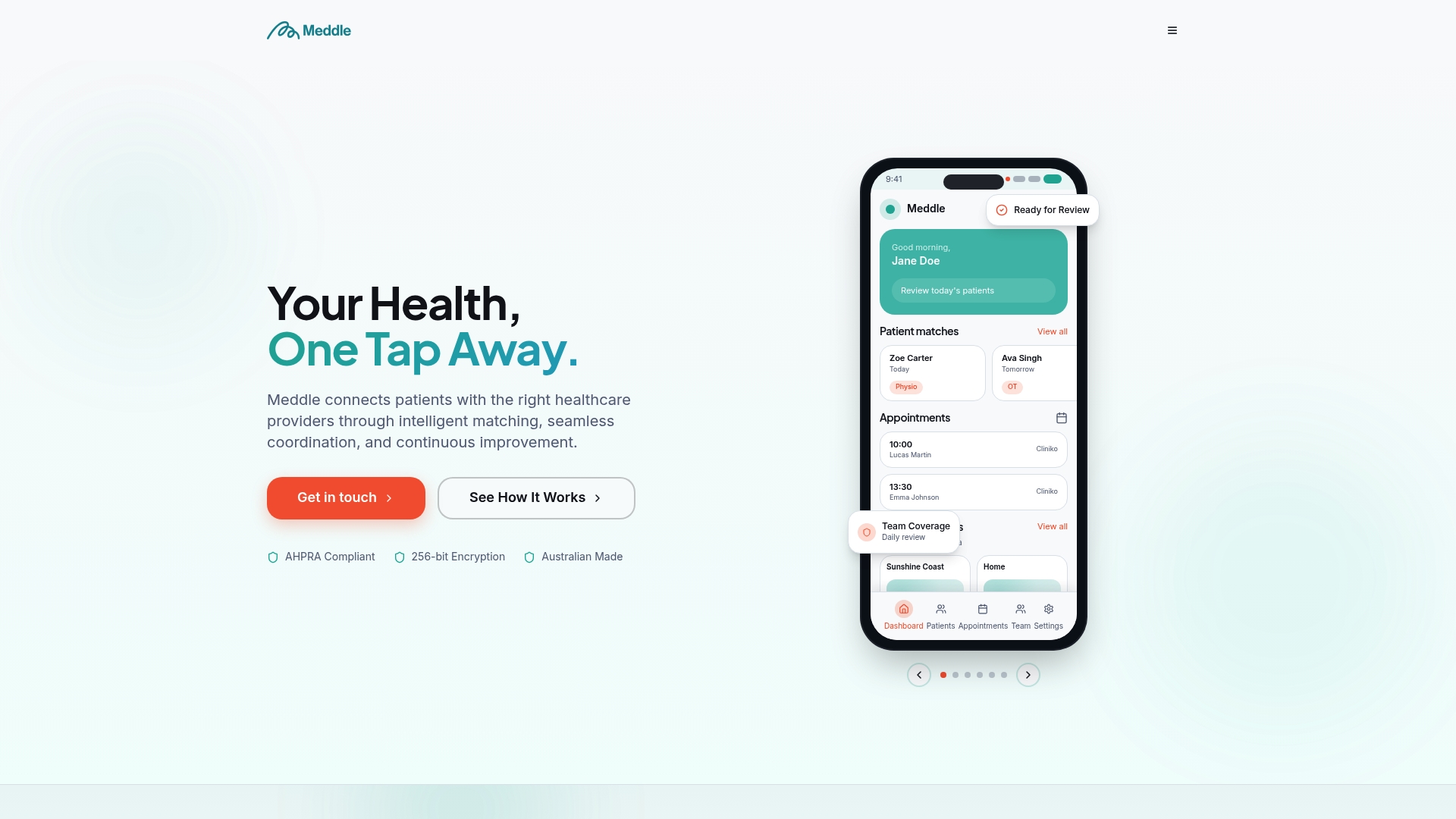
If your team is juggling several calendars and a pile of referrals, a pilot with a few practitioners is a low-risk way to see the workflow end to end.
FAQ
What is multi-practitioner scheduling?
It is managing bookings for several clinicians, disciplines and locations in one coordinated system. The system accounts for who is available, which appointment types they offer, and which rooms or equipment are needed. The aim is fewer clashes and less manual coordination for reception.
How do we stop double-booking across practitioners?
Make bookings in one place, with one shared diary that shows practitioners and rooms together. Define appointment types with eligible clinicians, so the system only offers valid slots. Review near-misses regularly to find rules that need tightening.
Should patients book their own appointments?
Often yes, within limits. Many clinics allow self-booking for reviews and offer initial assessments only with an eligible practitioner after intake. Whatever you choose, patients should see only the slots your rules allow, and receive a confirmation and reminder automatically.
How often should we review our schedule?
A monthly or quarterly review suits most clinics. Look at clashes, unused capacity, referral-to-appointment waits and admin time, then change one thing at a time. Review sooner when a practitioner joins, leaves or changes hours.
What does Meddle cost?
Core is A$40 per practitioner per month ex GST. Appointments, including a shared diary, is an extra A$20 a month, and Telehealth is an extra A$10 a month. There is no minimum spend and a free 30-day pilot is available.
Want to see it working with your own referral flow? Book a 30-minute demo and we will walk you through it.
Sources
- Allied Health Practice Management in Australia, TalentMed
- Australasian Health Facility Guidelines, allied health unit
- Streamlining allied health led outpatient clinics, Kerry May
- AHPA Private Practice Privacy Guide, 2020
- Innovation and Best Practices in Scheduling, National Academy of Medicine
Recommended
- Multi Appointment Booking for Allied Health Clinics
- Appointment Slot Optimisation for Allied-Health Clinics
- 8–12 Patients in 90 Minutes: Group Appointment Scheduling for Clinics
- Case Conference Scheduling for Allied Health Clinics
This article is general information for healthcare businesses and isn’t legal, clinical or privacy advice. Check current requirements with the relevant regulator or a qualified adviser.