
Asynchronous patient messaging lets a patient send a message now and your team reply later, inside a response time you set and publish. It works in an allied health clinic when four things are in place: a clear list of what belongs in messages, a published reply window, a triage rule for urgent messages, and a record of every exchange. We built Meddle around the same idea: referrals and enquiries arrive in different forms, and each one should become structured, triaged work instead of a lost lead. This guide gives you the full routine, including an escalation policy you can adapt.
TL;DR
- Asynchronous messaging means both sides exchange information at different times, with a stated reply window rather than a live conversation.
- Use it for admin, referral requests, scheduling and non-urgent questions. Keep urgent, risky or clinically complex matters for a call or visit.
- Publish your response time, send an automatic acknowledgement and state plainly that messaging is not for emergencies (call 000).
- Write an escalation policy that names who reads messages, what triggers a phone call and what gets documented in the clinical record.
- Meddle is A$40 per user per month ex GST, everything included, with a free 30-day pilot.
Table of Contents
- What asynchronous patient messaging means
- What belongs in a message and what does not
- Set response times patients can rely on
- Build the workflow: who reads, who replies, what gets recorded
- Write an escalation policy that staff can follow under pressure
- Privacy and consent in Australian patient messaging
- Where messaging breaks down in allied health, and how to prevent it
- Measure whether your messaging is working
- How Meddle supports a messaging workflow
- Our perspective
- FAQ
- Sources
What asynchronous patient messaging means
In a live appointment, the clinician and patient are connected at the same moment, by phone, video or in the room. Asynchronous messaging, often called store-and-forward, lets providers and patients exchange information at different times, with the provider reviewing and responding within a set period.
For an allied health clinic, that covers a physio asking a patient to confirm which knee is affected before the first visit, an OT coordinator checking whether a participant’s plan funding has been approved, or a psychologist’s front desk answering a question about forms. Nobody has to be on the phone at the same time, so reception can batch replies and clinicians can answer between sessions.
It is a different thing from asynchronous telehealth prescribing, which Australian regulators have scrutinised. Requests for medication communicated by text, email or online that are not in real time sit in a separate regulatory conversation. This article is about everyday clinic communication: administration, coordination and non-urgent questions.
What belongs in a message and what does not
The first policy decision is scope. Secure messaging may be used for administrative functions such as refill requests, test-result inquiries and referral requests, or for non-urgent consultations. That guidance comes from a United States agency, but the logic carries across: the more routine and predictable the content, the better it suits a delayed reply.
A workable split for a multidisciplinary clinic looks like this:
| Message type | Suits messaging? | Typical handler |
|---|---|---|
| Appointment changes, directions, forms | Yes | Reception |
| New referral or referral status | Yes | Intake coordinator |
| Pre-visit questions (what to bring, which practitioner) | Yes | Intake or reception |
| Home program queries, non-urgent follow-up | Yes, with clinician review | Treating practitioner |
| Reports of new or worsening symptoms | Review first, likely call | Clinician |
| Distress, self-harm, severe pain, medical emergency | No, escalate immediately | Clinician or 000 |
There is also a relational side. Research on professionals’ experiences with secure messaging found that some message types, such as sharing rapport-building items, can complement phone calls rather than replace them. A short check-in between sessions can keep a patient engaged without adding an appointment.
Set response times patients can rely on
The biggest source of friction is an unstated delay. A patient who messages on Monday and hears nothing until Thursday assumes the clinic ignored them. A published window removes that.
An Australian medical centre’s communication policy shows the pattern: tell patients the expected response timeframe, such as within 1 to 2 business days, and use automatic replies to acknowledge receipt. Adapt the window to your capacity, but whatever you choose, state it in three places:
- On your website’s contact page and booking confirmations.
- In the automatic acknowledgement patients receive after sending a message.
- In your email and SMS footers.
Research cited by a US agency adds a management point: secure messaging can improve access, but organisations should monitor message type and frequency because providers may fear being overwhelmed. That is a good argument for routing. If every message lands in one shared inbox, clinicians feel the flood. If messages are sorted by type and sent to the right person, most never reach a clinician at all.
Build the workflow: who reads, who replies, what gets recorded
A messaging workflow is a short chain with named owners. Here is a version that suits a group practice.
Step 1: Receive and acknowledge
Every inbound message gets an automatic acknowledgement stating the reply window and the emergency instruction. Without it, patients send duplicates or phone to check, which defeats the purpose.
Step 2: Triage on arrival
Reception or intake reads each message against a short list of red flags. The clinic policy referenced above recommends that you train reception staff to triage urgent messages for immediate escalation. Write the red flags down, keep them to one page, and review them with new staff on day one. Our referral triage checklist is a starting point for the referral side of that list.
Step 3: Route to the right person
Administrative messages stay with reception. Referral messages go to intake. Clinical questions go to the treating practitioner. Routing by specialty, location and appointment type is the part of this that tends to eat time when it is done by hand, which is why Meddle matches on specialty, travel radius and appointment type once a referral is in.
Step 4: Reply and record
Non-urgent messages should be documented and securely forwarded to the clinical team. For anything clinical, the Medical Board of Australia’s telehealth guidelines expect practitioners to use systems that allow secure access to patient records and the transmission and storage of clinical notes, referrals and images. Those guidelines also say to record the type of technology used and any technical issues in the clinical record. They are written for medical practitioners, and they are a sound benchmark for any clinic that wants a defensible record trail.
Step 5: Close the loop
A message is finished when the patient has an answer, the record is updated and any follow-up task exists. Track the count of messages awaiting reply at the end of each day. If that number grows, adjust staffing or routing rather than the published window.
For a deeper security walk-through, our six-step secure patient messaging checklist covers the safeguards behind this workflow.
Write an escalation policy that staff can follow under pressure
An escalation policy answers one question: when does a delayed reply stop being acceptable? It should fit on one page and cover five things.
1. A clear statement that messaging is not for emergencies. The policy should state explicitly that messaging is not for emergencies and direct patients to call 000 or local emergency services for urgent or life-threatening situations. Put this in the auto-reply and on the message form itself.
2. Alternative resources for crisis. For psychology and other mental health services, the Australian Psychological Society advises that an out-of-session protocol should explain likely response speed and frequency and guide clients to crisis resources such as local services or crisis lines. Name the specific services in your policy so staff do not improvise.
3. Triggers for moving from message to voice. The same Australian clinic policy says a message should be escalated when it requires urgent advice or a communication failure affects care. In practice, that means a phone call, a rescheduled or in-person visit, or emergency services. Define your triggers in plain examples: new numbness, a fall, a patient saying they cannot cope, a message that is unclear after two exchanges.
4. A fallback if the channel fails. Clinics should establish risk-contingency plans, such as what to do if communication is delayed or the platform fails. Decide who phones whom, and by when, if the messaging system is down.
5. A professional-judgement check. The Medical Board’s guidelines state that telehealth is not appropriate for all consultations and that practitioners should keep assessing its suitability, arranging in-person care if necessary. The board also sets the same standard of care for digital and in-person contact. Allied health practitioners should apply the same thinking, guided by their own professional board’s standards.
A short escalation ladder you can adapt
- Level 1, routine: reply within the published window. Owner: reception or intake.
- Level 2, clinical question: forward to the treating practitioner the same day, reply within the window. Owner: practitioner.
- Level 3, concerning change: practitioner phones the patient the same day. Owner: practitioner.
- Level 4, emergency: direct the patient to 000 immediately, then document. Owner: whoever reads the message first.
Test the ladder with three or four invented messages at a staff meeting. If two people would handle the same message differently, the wording needs work.
Privacy and consent in Australian patient messaging
Health information is sensitive information under Australian privacy law. The Office of the Australian Information Commissioner’s health privacy guide says providers must take reasonable steps to protect personal information, including governance, training, ICT security and data breach response plans. It also says consent should be informed, voluntary, current and specific.
For messaging, that translates into a few habits:
- Ask patients which channel they prefer and note it in their record.
- Display confidentiality notices and clear policies on your website and in email footers so patients know what to expect.
- Keep clinical content out of unsecured channels. Use a secure messaging tool for anything beyond logistics.
- If you send SMS, collect consent and honour opt-outs. Our guides on SMS consent for Australian clinics and SMS opt-out requirements cover both.
- Review your safeguards against the Australian Privacy Principles. Our six clinic steps are a practical way to do it.
Employers also carry a duty of support. AHPRA’s guidance for practice managers says employers can support safe virtual care by implementing clear procedures, providing training and suitable technology, and offering ongoing support. It also notes that practitioners should have appropriate insurance, including professional indemnity cover that extends to telehealth. Check your policy wording with your insurer when you add a new channel.
Where messaging breaks down in allied health, and how to prevent it
Most failures are routing failures, not technology failures.
Referrals arrive in three places. GPs send them by letter or email, patients submit web forms, and support coordinators write directly. If each channel has its own inbox, someone has to copy details into one record. Details get lost, and a lead goes cold. This is the problem Meddle addresses: it turns referrals from GPs, email and web forms into structured intake, triage and practitioner matching.
Nobody owns the inbox. A shared mailbox with no named owner means each person assumes another has replied. Assign a daily owner and a backup.
Replies are not recorded. A reply sent from a personal phone or email never reaches the file. Keep every exchange inside a system that records it.
Urgent messages hide among routine ones. A patient writing about a fall can sit beside a parking query. Triage rules and a quick scan at set times each day reduce that risk. Set the scan times in your policy, for example start of day, midday and an hour before close.
Messages stand in for a conversation that needs a voice. If a thread runs past two or three exchanges without resolving, phone the patient. Add that as a trigger.
For the referral side of this problem, see our post on why eReferral systems leave gaps for Australian GPs, and for messaging to doctors, how to message GPs securely.

Measure whether your messaging is working
Keep measurement simple. Four counts from your own records, reviewed monthly, are enough:
- Messages received, split by type.
- Share answered within your published window.
- Messages escalated to a call, and why.
- Messages that started as administrative and turned out to be clinical.
The last number tells you whether your red-flag list is working. If it is high, the list is missing something or patients are using the wrong channel for clinical questions. Adjust the form wording, the auto-reply or the triage rules, then watch the next month’s counts.
How Meddle supports a messaging workflow
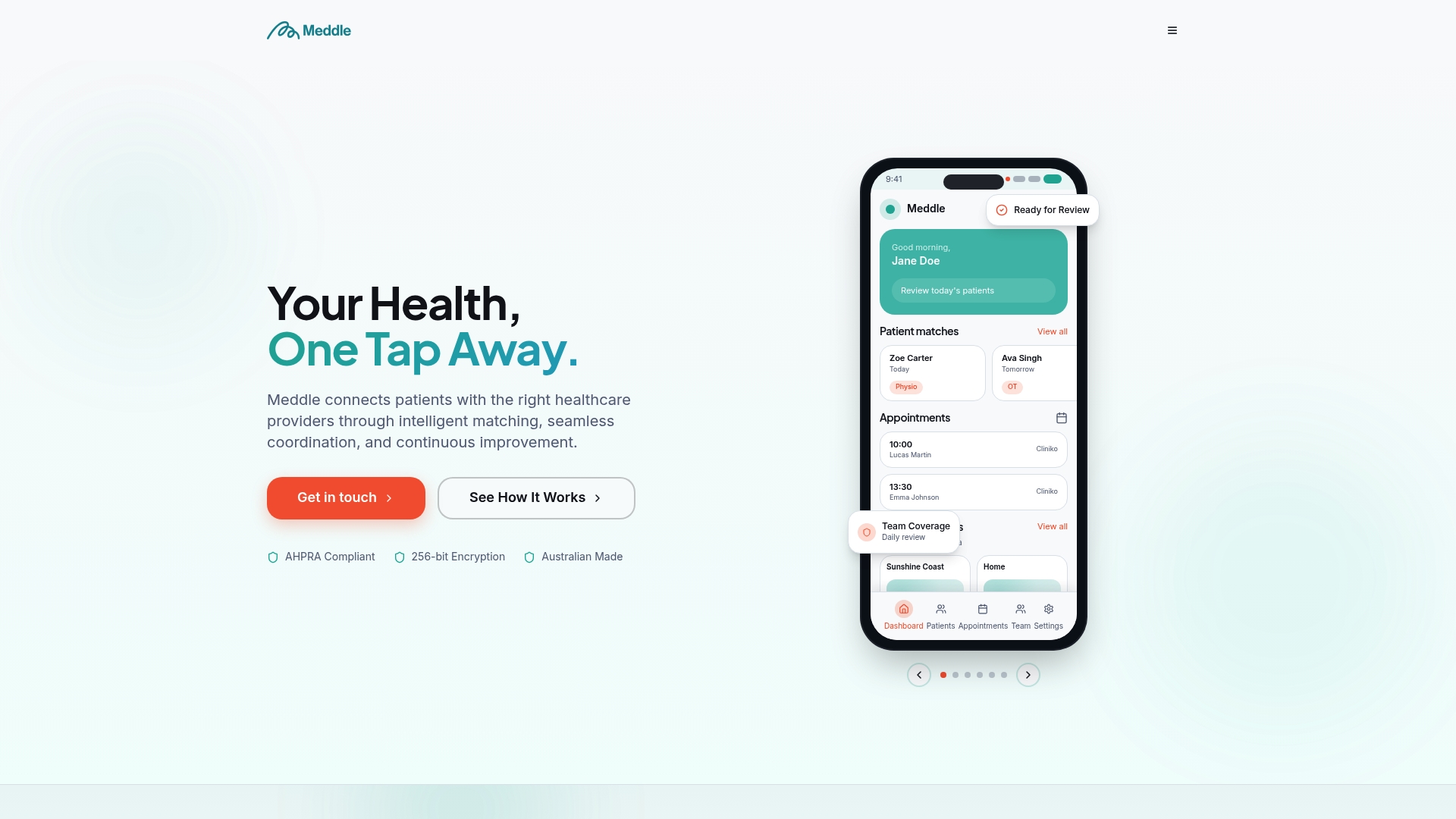
Meddle is Australian software for allied health clinics. It brings referrals from GPs, email and web forms into one structured intake, triages them and matches each to a practitioner on specialty, travel radius and appointment type. It integrates with your practice management system and writes back to your CRM, and messaging is part of the platform. Patient data is hosted in Sydney.
Pricing is A$40 per user per month ex GST, or A$400 per user per year ex GST, which is two months free. Every user pays the same, including admins and coordinators, and everything is included with no add-ons. You can start with a free 30-day pilot. To see how intake, triage and matching work together, read how Meddle works.
If your team spends its mornings sorting inboxes, the referral triage checklist shows the questions worth settling before a message becomes a booking.
Our perspective
Clinics rarely struggle because patients message too much. They struggle because a message has no destination. A question sits in a shared inbox, a referral arrives as a PDF, and a web form lands in a different system again.
We think the fix is structure at the front door. When a message or referral is captured once, sorted by what it is, and matched to the right practitioner, the delay patients feel shrinks and your team stops retyping the same details.
That is why we price Meddle per user, with the same rate for admins and coordinators. The people who read, triage and route messages are the ones who make asynchronous care work, and they should have full access to the tools without extra charges.
Asynchronous messaging is a promise about time: we will reply by this point, and if it cannot wait, we will call. Keep that promise visible, written down and owned by a named person, and patients will trust the channel.
Taylor
FAQ
What is an asynchronous appointment?
It is an exchange where the patient and the clinic do not need to be present at the same moment. The patient sends information or a question, and the clinician reviews and replies within an agreed window. It suits routine follow-up, forms and non-urgent questions, and it sits alongside live appointments.
How quickly should a clinic reply to patient messages?
There is no single rule for allied health. An Australian medical centre’s policy gives 1 to 2 business days as an example. Choose a window your team can meet every week, publish it, and send an automatic acknowledgement so patients know their message arrived.
What should an escalation policy for patient messages include?
State that messaging is not for emergencies and give 000 as the instruction. Add crisis resources, the triggers that move a message to a phone call or visit, the fallback if the platform fails, and who owns each step. Keep it to one page and rehearse it with staff.
Can reception staff handle patient messages?
Yes, for administrative messages, provided they are trained to recognise urgent content and have a clear route to a clinician. Written red flags and a named clinical contact each day make this safe and manageable. Clinical questions should go to the treating practitioner.
Does Meddle include messaging in its price?
Yes. Meddle costs A$40 per user per month ex GST, or A$400 per user per year ex GST, with everything included and no add-ons. You can try it through a free 30-day pilot.
If you would like to see how structured intake, triage and messaging fit your clinic, you can book a 30-minute demo.
Sources
- Asynchronous direct-to-consumer telehealth, telehealth.hhs.gov
- Clampdown on asynchronous patient telehealth prescribing, AHPRA
- Patient Use of Secure Messaging quick reference guide, AHRQ
- Exploring professionals’ experiences with secure messaging, BMC Medical Informatics and Decision Making
- Communication Policy, Medical Centre in Mount Waverley
- Medical Board of Australia, Guidelines: Telehealth consultations
- AHPRA, Information for practice managers and employers about virtual care
- Australian Psychological Society, Telehealth guide for providers
- OAIC, Guide to health privacy (May 2025)
Recommended
- Six Step Secure Patient Messaging Checklist for Australian Clinics
- Multi Appointment Booking for Allied Health Clinics
- Multi-Practitioner Scheduling for Allied Health Clinics
- Appointment Slot Optimisation for Allied-Health Clinics
This article is general information for healthcare businesses and isn’t legal, clinical or privacy advice. Check current requirements with the relevant regulator or a qualified adviser.