

A good clinic roster does one job: it puts the right practitioner in the right room at the time patients need them, without wearing your team out. The basics are a clear template, confirmed availability, leave entered first, approval before publishing and daily upkeep. The step most clinics skip is the first one, which is knowing what demand looks like. Referrals tell you that, and when they arrive as structured intake with specialty, travel radius and appointment type attached, the roster stops being guesswork.
This guide is written for owners, practice managers and intake teams in physio, OT, psychology, speech pathology, dietetics and podiatry practices. It walks through what a roster is, what goes on it, how to build one, how to handle swaps and leave, and how to keep it safe.
TL;DR
- A roster is a timetable of the days and times each employee is required to work. Its purpose is safe, efficient care, not just filled time slots.
- Build the roster from demand and skills first, then add leave and approved requests, then allocate the remaining shifts.
- Approve before you publish, then update daily for swaps, unplanned leave and time worked.
- Check hours against the Health Professionals and Support Services Award and fatigue risks such as long days, irregular hours and extended travel.
- Referral data by specialty, location and appointment type shows where your capacity should sit. We built Meddle to structure that data.
Table of Contents
- What a roster is, and what it is for
- What information belongs on a clinic roster
- Step 1: Understand demand before you place anyone
- Step 2: Build the template
- Step 3: Enter leave and approved requests first
- Step 4: Allocate the remaining shifts
- Step 5: Check it against the Award and safety rules
- Step 6: Approve, publish and maintain
- Connecting the roster to bookings and referrals
- A worked example: a three-practitioner clinic
- Perspective
- Meddle for clinics that want fewer gaps between referral and roster
- FAQ
- Sources
What a roster is, and what it is for
NSW Health’s rostering manual defines a roster as a timetable showing the days and times employees are required to work. Rostering is the allocation of staffing resources to provide safe, high-quality care and an efficient service. That wording matters for a clinic. The goal is not to cover every hour with a body. It is to cover patient need with the right skills.
NSW Health’s principles of rostering frame it the same way: enough appropriately skilled staff for anticipated demand, with adequate supervision, training and handover, plus fairness and flexibility for staff. These principles are written for public health services, but they translate well to a private allied-health practice, because a three-room physio clinic and a hospital ward share the same core problem: matching people to demand.
A clinic roster differs from a booking calendar. The calendar shows patient appointments. The roster shows who is working, where and when, and it sets the capacity the calendar can sell. If the roster is wrong, the calendar is wrong, and the front desk spends the day apologising.
What information belongs on a clinic roster
The official guidance we drew on does not give a single list of fields, so here is a practical set that follows from the principles above. A roster that people can act on shows:
- Who: the practitioner or staff member, and their role (practitioner, intake coordinator, reception, practice manager).
- When: date, start and finish times, and scheduled breaks.
- Where: the site or room, and whether the session is in-clinic, telehealth or a home or community visit.
- What: the session type, such as initial assessments, follow-ups, group sessions or NDIS plan reviews.
- Skills and limits: specialty, areas of interest, and any appointment types a practitioner does not take. This is what lets reception book correctly.
- Leave and absences: approved leave, accrued days off and training days, shown on the same view so gaps are visible.
- Supervision and handover: who supervises students or new graduates, and when handover happens.
- Status: draft, approved or published, with the date of the last change.
If you run community or mobile services, add travel time between visits. Extended travel is a recognised fatigue factor, covered below.
Step 1: Understand demand before you place anyone
NSW Health’s rostering process flowchart tells roster designers to set the template around the staffing profile, budget, required skills, variation in workload, seasonality, leave, work health and safety, award provisions, supervision, education and handover. Notice that demand and skills come before names.
For an allied-health clinic, demand has a few dimensions:
- Discipline mix: how many referrals land for physio versus OT versus psychology.
- Appointment type: long initial assessments take more capacity than reviews.
- Location: where patients live affects which site or which practitioner’s travel radius they fit.
- Season: school terms, winter sport injuries, end-of-year NDIS plan activity and holiday periods all move volume.
Research on practice staffing points the same way. A 2024 scoping review of skill-mix planning found common elements included needs analysis, a stepwise process, task and competency mapping, workforce-supply information, and engaging patients, care teams and subject-matter experts. A 2014 study of general practice staffing described a method that assesses current and expected demand and each profession’s contribution to meeting it.
In practice, pull three months of referrals and bookings and sort them by discipline, appointment type and suburb. If referrals arrive by GP letter, email and web form, that sorting is slow by hand. This is where structured intake pays off: when every referral is captured the same way, the demand picture is a report, not a project. Our referral triage checklist shows the fields worth capturing at the door.
Step 2: Build the template
A template is the standing weekly pattern before names, leave or exceptions. Build it in this order:
- Set opening hours and session blocks. Decide the sessions each site runs, such as early-morning physio, after-school paediatric OT or evening psychology.
- Assign capacity to demand. Allocate more initial-assessment blocks where referrals queue, and more follow-up blocks where patients are mid-treatment.
- Define skill requirements per block. A neurological rehab block needs a practitioner with that experience, not just any physio.
- Add non-clinical time. Notes, supervision, team meetings and handover are part of the job. Rostering only face-to-face time is how notes end up done at 9 pm.
- Cover the front desk and intake. Referral processing and phone peaks need their own coverage.
Our guides on multi-practitioner scheduling and fixing templates before balancing load go deeper on how the roster template feeds the appointment book. The short version: if the template is wrong, no amount of clever booking will rescue the week.
Step 3: Enter leave and approved requests first
The NSW Health flowchart is clear on order: approved requests, temporary arrangements, accrued days off and leave go in before the remaining shifts are allocated against the template and staff availability. This is the fairness step. If you fill shifts first and squeeze leave in afterwards, the people who asked early get overruled and you end up with gaps you did not plan.
A working routine:
- Set a cut-off for leave and availability requests, for example three to four weeks before the roster period.
- Record part-time and casual availability in one place, not in text messages.
- Enter school-term constraints, second jobs and standing commitments as availability, not as favours.
- Flag clashes early. Two practitioners wanting the same Friday is a conversation to have before publishing, not after.
Step 4: Allocate the remaining shifts
With the template, availability and leave in place, allocate what is left. Match the skill requirement of each block to practitioners who hold it, spread less popular sessions (early starts, late finishes, Saturdays) fairly across the team, and keep an eye on each person’s total hours.
Fairness is not a soft extra. It is one of the stated principles of rostering, and in a small team, perceived unfairness is a common reason people leave. Keep a simple running tally of who has worked the late sessions and weekends so rotation is visible rather than remembered.
Step 5: Check it against the Award and safety rules
Before you publish, check the roster against the instrument that covers your staff. Many allied-health clinics fall under the Fair Work Commission’s Health Professionals and Support Services Award 2020, which covers health-industry employers and the classifications in its Schedule A, subject to its stated exclusions. Confirm which award, agreement or contract applies to each person before you rely on it. The version we reviewed was consolidated through 1 October 2026, and awards are updated, so read the current text.
The Award states that full-time ordinary hours average 38 per week over a fortnight or four-week period, with no more than 10 ordinary hours in a day, excluding meal breaks. Part-time and casual arrangements, penalty rates, breaks and notice of roster changes have their own provisions in the same document. If you are unsure how it applies to a particular employee, the Fair Work Ombudsman is the authority to ask, and your accountant or employment adviser can help with payroll.
Fatigue and safe work
Safe Work Australia’s 2025 Model Code of Practice for the healthcare and social assistance industry says employers must eliminate or minimise fatigue risks so far as reasonably practicable. Its guidance recommends safe work systems such as adequate breaks between shifts and enough staff to do the work. It names long or double shifts, irregular or on-call hours, night work, insufficient breaks and extended travel as fatigue-risk factors in healthcare and community work.
For allied-health clinics this translates into a few roster habits:
- Avoid stacking back-to-back full days of high-intensity sessions, such as a full day of paediatric or complex-pain consults.
- Build real breaks into the template, not just on paper.
- Count travel as work when rostering home and community visits.
- Limit split shifts and irregular patterns where you can, and keep start times predictable.
Work health and safety obligations differ by state and territory, so check your regulator’s current requirements.
Step 6: Approve, publish and maintain
The NSW Health process treats rostering as a control cycle: build a template, confirm availability, allocate shifts, reconcile and approve, publish, then maintain and finalise. The flowchart calls for approval before publication and daily maintenance to record time worked, unplanned leave, shift swaps and other changes to the published roster.

The NSW Health rostering manual recommends governance that covers planning, creation, approval, monitoring and reporting, with clear responsibilities for creators and approvers. In a small clinic the same person might create and approve. If so, build in a second look, even a quick one from a senior practitioner, because the person who builds a roster is the worst person to spot its gaps.
Handling swaps and unplanned leave
Roster changes are normal. What matters is that they are recorded in one place and that the calendar follows.
- Swaps: require both parties to agree, check skills and hours still work, and have a manager approve.
- Sick leave: decide in advance who calls whom, and who can cover which appointment types.
- Casual cover: keep a short list of casuals with their skills and availability so the search takes minutes.
- Patient impact: when a practitioner is absent, rebook or reallocate patients to a practitioner with the right specialty before cancelling. Our guides on recurring appointments and multi-appointment booking cover keeping a patient’s series intact when the roster moves.
Connecting the roster to bookings and referrals
The roster sets capacity; bookings consume it. Three links make the difference between a roster that works and one that sits in a spreadsheet:
- Slot design. Appointment lengths and slot patterns should reflect what the roster block is for. See appointment slot optimisation.
- Demand buffers. Some clinics build controlled flexibility into busy sessions. Our guide to a safe overbooking approach explains how to do it without compromising care.
- Group sessions. Where group programs suit your patients, roster them as blocks of their own. See group appointment scheduling.
A clear booking policy and, where appropriate, patient self-scheduling also protect the roster by reducing late changes and phone traffic.
A worked example: a three-practitioner clinic
Imagine a clinic with two physios and one OT. Three months of referrals show 60 percent physio, 40 percent OT, with OT referrals clustering after school hours and physio referrals peaking early morning. (The figures here are illustrative, not data from any real clinic.)
The template might put both physios on early starts two days a week, one physio on a late session, and the OT on two afternoon blocks plus a Saturday morning rotation. Leave is entered first: one physio has booked a week away, so that week’s early blocks drop to one practitioner and initial assessments move to the OT-free mornings. Non-clinical time is rostered Friday afternoons for notes and meetings. The roster is approved by the practice manager, checked by the senior physio, and published with the date shown. Midweek, a sick call triggers the cover list and the front desk reallocates affected patients by specialty before cancelling anything.

None of that is complicated. It just needs the demand data at the start and a single source of truth at the end.
Perspective
We talk to clinics where the roster lives in one spreadsheet, the referrals in an inbox and the bookings in a practice management system. Each piece is tidy on its own. The trouble is the gaps between them.
Our view is that rostering starts at the referral. When a referral arrives from a GP, an email or a web form, the useful facts are the specialty needed, where the patient is and what type of appointment they require. If those facts are captured once, in a structured way, you can see demand by discipline and location before you build the next roster, and you can match each patient to a practitioner whose specialty, travel radius and appointment type fit.
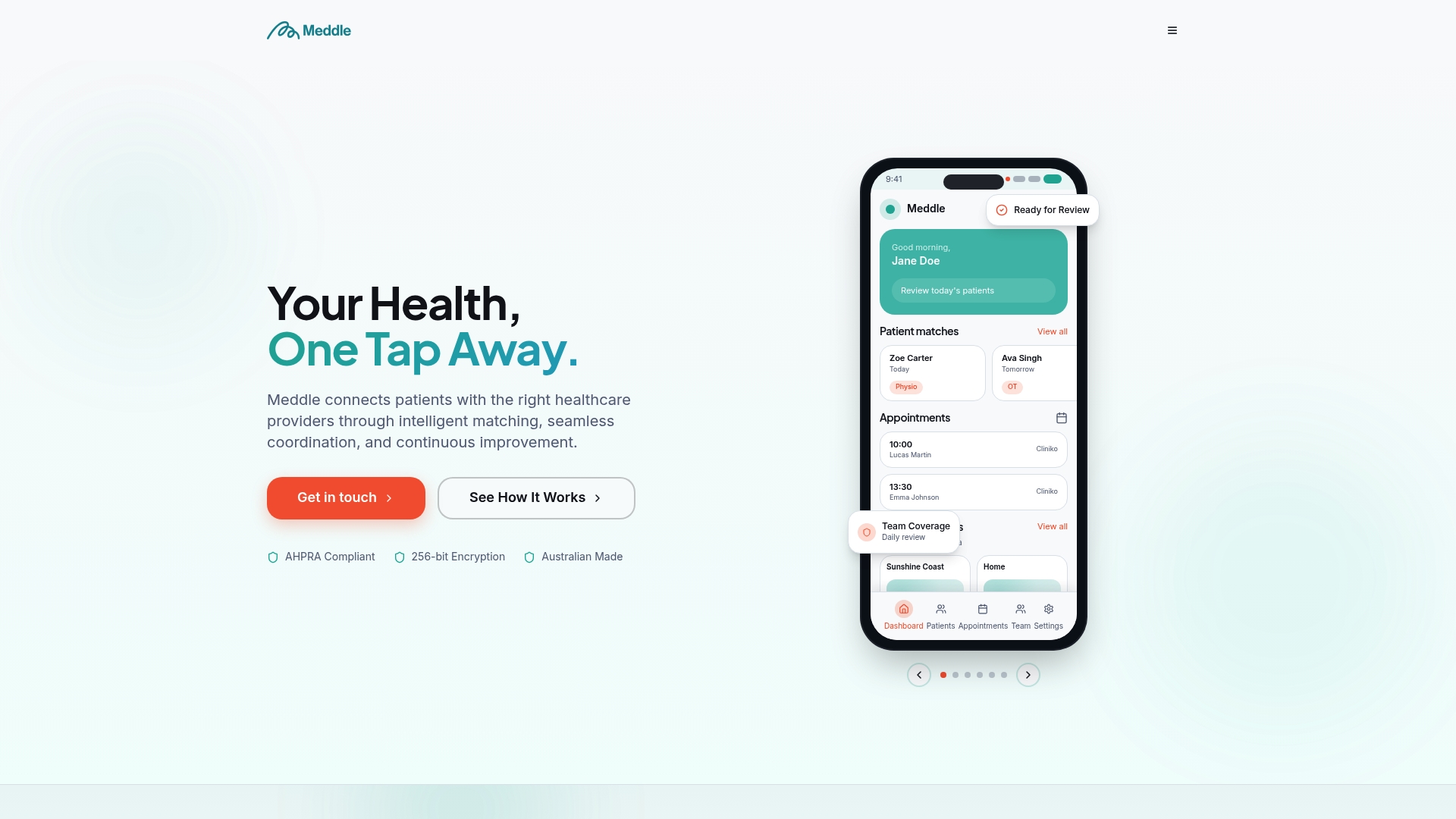
That is what we built Meddle to do: turn referrals into structured intake, triage and practitioner matching, so clinics lose fewer leads and spend less time on admin. A roster built on that picture is built on what patients actually need, not on last year’s habits.
Taylor
Meddle for clinics that want fewer gaps between referral and roster
Meddle is Australian software for allied-health clinics. It integrates with your practice management system and writes back to your CRM. Pricing is A$40 per user per month ex GST, or A$400 per user per year ex GST, which is two months free. Every user pays the same, including admins and coordinators, and everything is included with no add-ons. Patient data is hosted in Sydney. There is a free 30-day pilot, so your team can see how structured intake works on your own referrals.
See how triage and practitioner matching works, or explore the full product.
FAQ
What is the legal requirement for rostering a clinic?
There is no single rostering law. Your obligations come from the award or agreement covering each employee, such as the Health Professionals and Support Services Award 2020, plus work health and safety duties, including managing fatigue risks. Check the current award text and your state or territory regulator, and ask the Fair Work Ombudsman if a specific case is unclear.
How do I do staff rostering in a small clinic?
Start from demand and skills, build a weekly template, enter leave and approved requests, then allocate the remaining shifts. Have someone approve the roster before you publish it, and update it daily for swaps and unplanned leave. The steps above set out each stage.
What information should be on a roster?
At a minimum: who is working, when, where, the session type, any skill limits, leave and absences, supervision and handover arrangements, and the roster’s status. Home and community services should also show travel time.
How far ahead should a clinic publish its roster?
The official guidance we reviewed does not set a single lead time for clinics. Many practices publish several weeks ahead and set a cut-off for leave requests before that. Check the notice requirements in the award or agreement that covers your staff.
Sources
- Rostering Resource Manual, NSW Health
- Rostering process flowchart, NSW Health
- Principles of rostering, NSW Health
- Determining skill mix and optimal multidisciplinary team (scoping review, 2024)
- Personnel planning in general practices (2014)
- Health Professionals and Support Services Award 2020, Fair Work Commission
- Model Code of Practice for the healthcare and social assistance industry, Safe Work Australia
Want to see it on your own referrals? Book a 30-minute demo.
Recommended
- Multi-Practitioner Scheduling for Allied Health Clinics
- Overbooking Strategy for Allied-Health Clinics: A Safe Approach
- Appointment Slot Optimisation for Allied-Health Clinics
- Recurring appointments in healthcare: how allied health clinics set them up well
This article is general information for healthcare businesses and isn’t legal, clinical or privacy advice. Check current requirements with the relevant regulator or a qualified adviser.