
Secure telehealth messaging means every message about a patient, whether a referral, a booking change or a clinical question, travels through a channel that is encrypted, reaches the right person and leaves a record. For an Australian allied-health clinic, the practical answer is to move patient conversations off personal phones, ordinary SMS and shared inboxes and into one system that ties each message to the referral and the patient. Meddle is built around that idea: referrals from GPs, email and web forms become structured intake, triage and practitioner matching, with messaging and secure digital health records in the same place.
This guide is for clinic owners, practice managers, intake teams and the GPs and support coordinators who send you referrals. It covers what secure messaging is, where ordinary channels fall short, which Australian rules matter, and how to set it up without slowing your team down.
TL;DR
-
Secure messaging is encrypted, addressed to a specific recipient or service, routed into their clinical system and confirmed on receipt, according to the Australian Digital Health Agency.
-
Ordinary email and SMS can be misaddressed, forwarded, altered or intercepted, so they are a poor home for health information.
-
Australian clinics work to the Privacy Act 1988 and the Australian Privacy Principles, with APP 11 covering security.
-
Choose a tool that fits your clinical workflow, write down who may message what, and train every user, including reception and coordinators.
-
Meddle is A$40 per user per month ex GST, everything included, with a free 30-day pilot.
Table of Contents
What secure telehealth messaging actually is
The term covers two related things. The first is secure messaging between healthcare organisations. The Australian Digital Health Agency (ADHA) describes it as standards-based delivery of clinical documents and other information between healthcare organisations, directly or through messaging providers. In practice, a conformant clinical system addresses a message to a practitioner or service, sends it encrypted, routes it into the recipient’s clinical system and confirms it arrived. ADHA describes this mainly as provider-to-provider communication: referrals, discharge summaries, reports and results.
The second is the day-to-day messaging around telehealth: confirming a video appointment, sending a pre-session form, answering a patient’s question about an exercise program, or replying to a support coordinator about an NDIS plan. These messages are smaller, but they still contain health information. A message that says “your son’s speech assessment is moved to Thursday” identifies a person and a service.
Both need the same qualities:
-
Encryption so the content cannot be read in transit.
-
Correct addressing so the message reaches the intended person.
-
Access control so only the right staff can read it.
-
An audit trail so you can show who sent what and when.
ADHA notes that secure messaging can support timely referrals, care coordination, traceability and auditability, and reduce re-keying and paper-based administration. That last point matters for clinics. Every time a team member retypes a referral from an email into a booking system, you add time and a chance for error.
Why ordinary SMS and email fall short
Most clinics start with what is already on hand: a mobile number, a shared inbox, a messaging app. These are convenient, and that is exactly why they spread. The trouble is what they do with health information.
ADHA warns that ordinary email can be misaddressed, accessed on lost or stolen portable devices, forwarded or altered without the sender’s knowledge, and intercepted. Victoria’s Department of Health says much the same in its 2023 guidance on emailing personal health information: email can be exposed through unintended recipients, unauthorised device access, malware and access to provider servers. The same guidance recommends secure messaging, encryption or protected web portals as safer options for health information.
In a busy allied-health clinic, those risks show up in ordinary ways:
-
A referral PDF is emailed to the wrong “Sam” because autocomplete picked the first match.
-
A practitioner replies to a patient from a personal phone, and the conversation lives only on that phone.
-
A support coordinator forwards a plan summary to a colleague, who forwards it again.
-
A staff member leaves, and months of patient messages leave with their device.
None of these needs a hacker. They are workflow gaps, and a secure messaging system closes them by design: one channel, one record, one set of access rules.
Which privacy rules apply?
Your obligations come from Australian law, mainly the Privacy Act 1988 and the Australian Privacy Principles (APPs), with APP 11 covering the security of personal information. State and territory health records laws also apply, depending on where your clinic operates. When you choose a messaging tool, judge it against these rules and your own workflow.
The Australian rules that shape your choice
Two official sources frame most decisions.
The Australian Privacy Principles. APP 11 sets out that an organisation must take reasonable steps to protect personal information it holds from misuse, interference, loss and unauthorised access, modification or disclosure. “Reasonable steps” is not a checklist of products. It is a test of whether what you do is sensible for the sensitivity of the information. Health information is among the most sensitive you hold, so personal-phone texting and unencrypted attachments are hard to defend as reasonable. Our guide to meeting APP 11 across your patient records walks through the wider set of steps.
Practitioner guidance on virtual care. AHPRA’s virtual-care guidance asks practitioners to understand how a chosen technology captures and stores personal information and manages privacy, and to make sure it meets clinical needs and applicable privacy requirements. It also covers identifying who is present, confirming the patient’s identity, explaining any recording or AI-scribe use, obtaining informed consent and protecting privacy in the patient’s environment. Those points apply to messages as well as video calls. If you need a method for the identity step, see our guide to verifying patient identity online, and for consent see aligning consent with OAIC rules.
Privacy law is also moving. The Parliament’s Privacy and Other Legislation Amendment Bill 2024 introduced a statutory tort for serious invasions of privacy and new civil penalties for interferences with privacy below the “serious” threshold. The direction is clear: loose handling of personal information carries more consequence than it used to. Check the OAIC site for the current status of each reform before you update your policies.
What to look for in a secure messaging tool
Use these criteria when you compare options of any type, whether a standalone messenger, the messaging inside a practice management system or a coordination platform.
| Criterion | What good looks like | Why it matters to a clinic |
|---|---|---|
| Encryption | Messages encrypted in transit and stored securely | Closes the interception risk ADHA describes for email |
| Addressing | Messages go to a named person or service, not a free-typed address | Reduces misdirected messages |
| Delivery confirmation | You can see that a message was received | Referrals do not vanish silently |
| Audit trail | A record of who sent, viewed and replied | Supports APP 11 and your own incident reviews |
| User access | Each person has their own login and role | Staff leaving does not mean data leaving |
| Link to the referral | Messages sit against the patient and referral, not in a separate inbox | Stops context being lost between intake and clinician |
| Hosting | You know where patient data is stored | Needed to answer patients and to review offshore arrangements |
| Cost and training | Clear pricing and onboarding support | Tools that staff avoid get replaced by personal phones |
ADHA also points clinics to check that their clinical information system is conformant and compatible with a secure messaging provider, and to weigh hardware and software compatibility, fees, training support and setup requirements. The Exercise & Sports Science Australia Digital Practice Standards Support Guide adds practical safeguards: encrypted platforms, strong passwords, two-factor authentication where available, encrypted backups, and checking the privacy and cross-border arrangements of cloud or offshore providers.
The hosting row deserves a note. Patient data in Meddle is hosted in Sydney. That is a specific, checkable fact you can put in your privacy collection notice and use when a patient asks where their information sits. You can read more on the Meddle security page.
Where messages go wrong before they are sent
Technology is half the problem. The other half is the moment before a message goes out. Allied-health clinics have a particular pattern: referrals arrive from GPs by fax-to-email, secure messaging, web forms and patient phone calls, and each arrives with different levels of detail.
Three habits cause most trouble.
-
Messaging before the referral is complete. Staff chase missing details (Medicare plan, NDIS number, funding type) by text, so sensitive information is exchanged on whatever channel is quickest.
-
Treating booking and clinical messages the same. A reminder that a session moved needs less content than a message about a patient’s symptoms. Keep clinical detail out of reminders.
-
No owner for the inbox. If nobody is responsible for replies, messages sit, patients call, and calls become informal texts.
Structured intake fixes the first. Collecting the right fields up front means fewer follow-up messages in the first place. Our referral triage checklist lists what to capture, and our post on restricting bookings by referral shows how to stop incomplete requests getting through.
Patients also share details when they book. Even a simple walk-through such as booking appointments online involves names, contact details and reasons for visiting, which is a reminder that every online booking step is part of your privacy picture, not only the clinical messages.
A practical setup routine for your clinic
This is the routine we suggest for a multidisciplinary clinic. It works for a three-practitioner physio practice and for a larger group with OT, psychology and speech pathology.
Step 1: Map where patient messages happen today
List every channel staff use to talk about patients: personal mobiles, shared email, web form notifications, messaging apps, the practice management system. Ask each team member, including reception and intake coordinators, not just clinicians. The list is almost always longer than the owner expects.
Step 2: Decide what goes where
Write a one-page rule. For example:
-
Referral documents and clinical content go through secure messaging or your clinical system only.
-
Appointment reminders carry a name, a time and a location, nothing about the condition.
-
Anything urgent or clinical is a phone call or a secure message, not a text.
The six-step secure patient messaging checklist gives a longer version you can adapt.
Step 3: Set roles and logins
Give every user an individual login and the minimum access their role needs. Turn on two-factor authentication wherever the tool offers it, as the ESSA guide recommends. Shared logins make an audit trail meaningless, because you cannot tell who read what.
Step 4: Get consent and explain it
Tell patients which channels you use and why, and record their preference. AHPRA’s virtual-care guidance expects informed consent and clear explanation when recording or AI-scribe tools are used. A short line in your intake form and your confirmation message covers it.
Step 5: Prepare for misdirected messages
Decide before it happens who a staff member tells if a message goes to the wrong person, how the recipient is asked to delete it, and where the incident is recorded. A one-paragraph procedure is enough. The point is that reception does not have to improvise.

Step 6: Train and review
Run a short session for everyone who touches patient messages, including admins and coordinators, since they send more messages than clinicians. Review the setup each quarter: who has access, which channels are still in use, and whether anyone has slipped back to personal phones.
Working with GPs is part of this. If you send or receive referrals by secure messaging, our test of messaging GPs securely across five to ten messages shows how to check that messages arrive and are acknowledged. For the wider picture of why GP referral pathways still vary between practices and states, see our post on eReferral systems in Australia.
Messaging for NDIS providers and support coordinators
NDIS allied-health providers add another layer. Messages often involve participants, plan managers, support coordinators and family members, each with a different right to know. The safe pattern is the same as above, with two additions.
-
Know who is allowed to receive what. Record the participant’s consent for each third party, and keep it where the person sending messages can see it.
-
Keep a single thread per participant. When messages are scattered between the coordinator’s email and a clinician’s phone, nobody holds the full story.
Tools that attach messages to the referral and the participant make this easier than inbox folders. It also helps when asynchronous messaging is used to reduce phone tag: the patient or coordinator sends a message when it suits them, and the clinic replies within a defined window.
How Meddle handles it
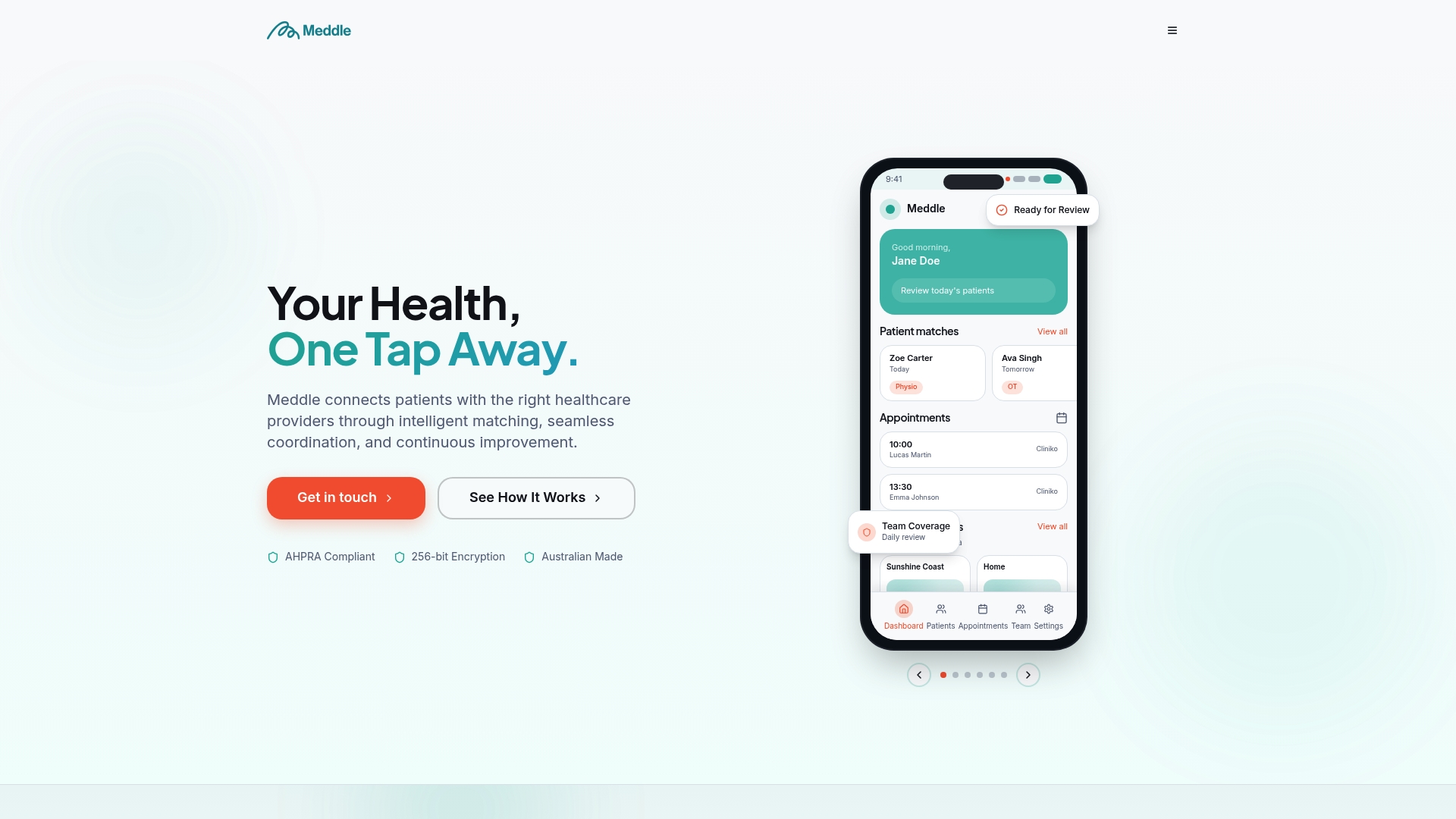
Meddle is Australian software for allied health clinics. It turns referrals from GPs, email and web forms into structured intake, triage and practitioner matching on specialty, travel radius and appointment type. Messaging, secure digital health records and referral automation sit alongside those features, so the conversation stays attached to the person it concerns. It integrates with your practice management system and writes back to your CRM.
The design reflects how referrals behave in real clinics: the message is only useful if it connects to the referral, the patient and the practitioner who will see them. Patient data is hosted in Sydney.
See what it covers
Pricing is simple. Meddle costs A$40 per user per month ex GST, or A$400 per user per year ex GST, which is two months free. Every user pays the same, including admins and coordinators, and everything is included with no add-ons. There is a free 30-day pilot, so your team can run real referrals through it before committing.
You can see the full flow on the Meddle product page, or read how triage and practitioner matching works.
Our perspective
Most clinics we speak with do not have a messaging problem. They have a referral problem that shows up as messaging. A referral arrives incomplete, someone texts to chase it, the reply comes on a personal phone, and the story is now split across three places.
We think secure messaging works best when it is part of intake, not a separate app. If the referral, the patient’s details, the practitioner match and the conversation live together, staff stop reaching for the quickest channel because the right one is already open in front of them.
That is why Meddle carries messaging inside the same system that handles referral intake, triage and matching, and why every user, from the practitioner to the coordinator, pays the same flat price. The people who send the most messages should not be the ones left outside the secure system.
Start with the routine in this guide. Then ask a simple question of any tool you use: does it keep the whole story in one place?
Taylor
FAQ
Is telehealth messaging legal in Australia?
Yes, health services use telehealth and messaging widely, but you must handle the information responsibly. The Privacy Act and APP 11 require reasonable steps to protect personal information, and AHPRA’s virtual-care guidance expects practitioners to understand how their chosen technology stores information and manages privacy. A secure, auditable channel is the practical way to meet both.
Is SMS safe for clinic messages?
Not for clinical detail. Ordinary SMS has the same weaknesses as other unencrypted channels, so keep clinical detail out of texts and use SMS only for minimal reminders. What matters for your clinic is the Privacy Act 1988 and the Australian Privacy Principles, including APP 11 on security.
What should we do if a message goes to the wrong person?
Follow a short procedure you wrote in advance: contact the recipient and ask them to delete it, record what happened and tell your practice manager or privacy officer. Check the OAIC site for how the notifiable data breaches scheme applies to your clinic. Secure messaging tools that address messages to named recipients make this mistake less likely.
Can reception and intake staff use secure messaging too?
Yes, and they should. They handle many of the messages and referral documents, so they need individual logins and the access their role requires. In Meddle, admins and coordinators are users on the same A$40 per user per month ex GST price as practitioners.
How do we try a secure messaging setup without disrupting the clinic?
Run a pilot with a small group on live referrals for a few weeks. Meddle offers a free 30-day pilot, and you can book a 30-minute demo to plan it.
Sources
-
Guidance: emailing personal health information, Victorian Department of Health (2023)
-
Digital Practice Standards Support Guide, Exercise & Sports Science Australia
-
Information for practitioners who provide virtual care, AHPRA
-
Privacy and Other Legislation Amendment Bill 2024, Parliament of Australia
Ready to see it with your own referral flow? Book a 30-minute demo.
Recommended
-
Six Step Secure Patient Messaging Checklist for Australian Clinics
-
Message GPs Securely: Test 5–10 Messages in Australian Practices
This article is general information for healthcare businesses and isn’t legal, clinical or privacy advice. Check current requirements with the relevant regulator or a qualified adviser.